Skip to content

FMRTE 22 for Windows

FMRTE 22 for Windows


FMRTE for Windows

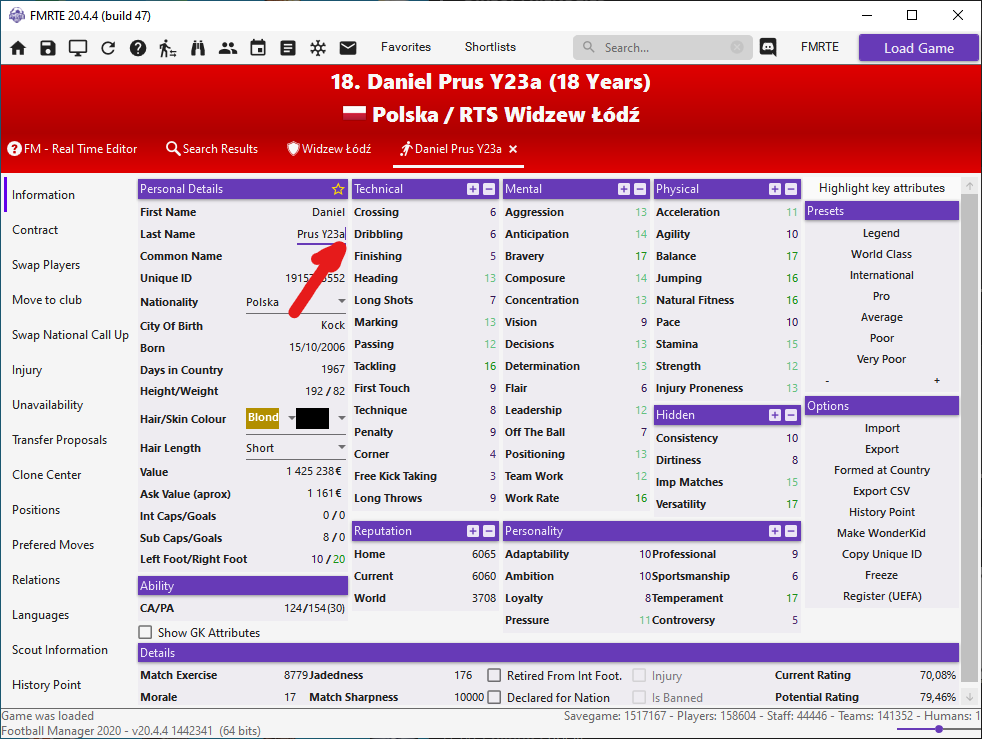
This version of FMRTE was designed to work with FM 22.4.0

Requirements
FMRTE needs Microsoft .NET Framework 4.7.2


Changelog

Build 22

Added

  • Support for FM 22.4.0 (1659721) game versions (steam/epic/microsoft store/xbox edition)

Fixed

  • Chinese translation
  • Removed Staff Adaptability from Mental Attributes in Advanced Search/Mass Edit

Build 21

Added

  • Support for FM 22.3.0 1651639 game version (xbox edition)

Build 20

Added

  • Support for FM 22.3.0 1651639 game version (steam/epic/microsoft store)

Fixed

  • A bug where the context menu in team players list might stop working
  • An error when editing referees

Build 19

Added

  • Ability to release players on a free (right-click in teams players list)
  • Ability to edit club financial statements (income, expenditure, profit) - Experimental feature
  • Ability to enable/disable clubs custom logo

Fixed

  • Stadiums used by national team/u21/u19 not working
  • Some competitions standings not being editable
  • An issue that was unfreezing staff members

Build 18

Fixed

  • An issue when adding a Settled Status relation type
  • A rare error message when viewing clubs Affiliations

Build 17

Added

  • Cannot apply for work permit relation type
  • Games Played in Division relation type
  • Settled Status relation type

Fixed

  • Copy Id/Name to clipboard not copying multiple ids or names when multiple items are selected
  • Savegame not being loaded when using some custom databases

Build 16

Added

  • Support for FM 22.2.0+1632745 game version (steam/epic/microsoft store/xbox edition)

Fixed

  • A rare error when opening FMRTE not being properly logged

Build 15

Fixed

  • An error when opening a player profile

Build 14

Added

  • Support for FM 22.2.0 (1629206, 1628468, 1628426) game versions
  • Ability to add First/Last/ Common name columns to players/staff search results
  • Ability to search players by role
  • Missing player roles
  • Missing Formed At Club / Nation types (ex, 2 Years between 15-21)

Fixed

  • Filter by potential positional rating
  • Some UI issues in Competitions page
  • Turkish translation
  • An error when opening competitions page
  • Nation attributes (Xbox Edition)

Build 13

Added

  • Support for FM 22.1.1+1620793 game version
  • Support for FM 22.1.1+1620911 xbox game edition

Build 12

Added

  • Support for FM 22.1.1+1620793 public beta game version

Fixed

  • Players / Staff Unique Id not available as a selectable column for search results
  • A rare error message loading clubs or nations information pages

Build 11

Added

  • Support for FM 22.1.0+1616556 Xbox Edition

Build 10

Added

  • Support for FM 22.1.0+1616383 game version from Steam, Epic and Microsoft stores

Fixed

  • An issue when applying presets to clubs

Build 9

Added

  • More control over what columns are displayed in tables
  • Ability to search properties by name in Freezer and Import/Export Settings

Fixed

  • A bug that was selecting the new tab when opening a player / staff through teams lists
  • Some issues when moving a tab to a new window

Build 8

Added

  • Missing duty for Pressing Forward Role

Fixed

  • Some issues with freezed players / staff members

Build 7

Fixed

  • An error loading RCA settings
  • An issue when applying presets to frozen players/staff
  • A bug in Wonderkid generator that could procude players without a strong foot
  • Some issues with freezed players / staff members

Build 6

Added

  • An estimated Recommended CA (RCA) for players
  • Wonderkid generator now sets the player CA to match the new RCA
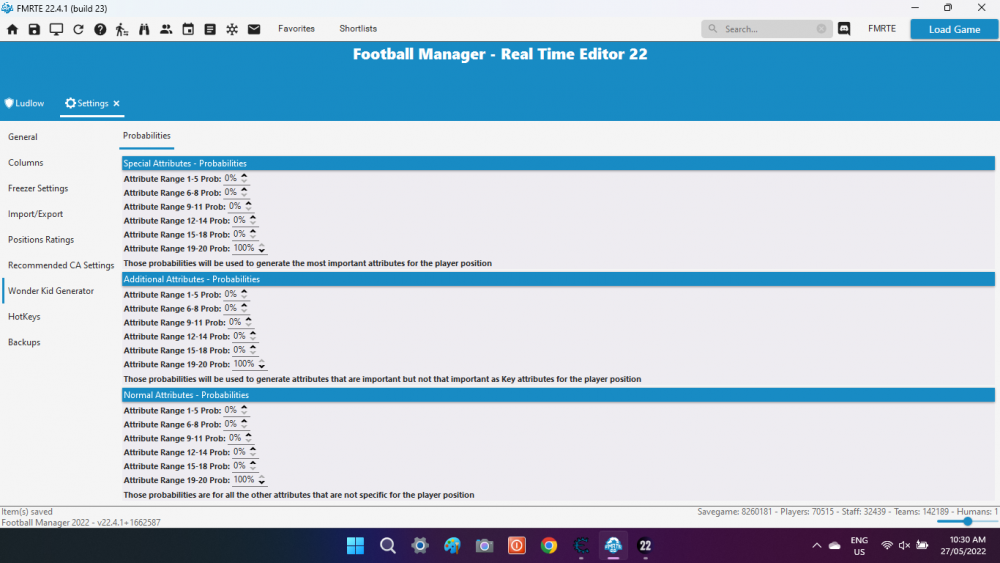
  • Ability to configure FMRTE Ratings, and RCA weights through FMRTE Settings
  • Ability to move tabs to a new window

Fixed

  • A rare error opening FMRTE

Build 5

Added

  • Support for 22.0.1 1612687 game version
  • Ability to select which attributes are imported (in FMRTE Settings) when importing players / staff from files
  • New currencies in FMRTE Settings
  • Players / Staff swaps (use it carefully)

Fixed

  • Editing player positions not being saved if the player is frozen
  • Some minor issues within Freezer Settings
  • Some minor UI issues
  • A bug with '+' and '-' buttons in Player Information
  • An error when deleting a nation agreement

Build 4

Fixed

  • Freezer not restoring some player attributes

Build 3

Fixed

  • An error when editing Future Transfers
  • An error when editing countries
  • Some Staff attributes not being exported to json
  • Some Freezer not restoring some staff attributes

Build 2

Fixed

  • An error when moving a preset up/down

Build 1

Added

  • Support for FM 22.0.1 BETA game version
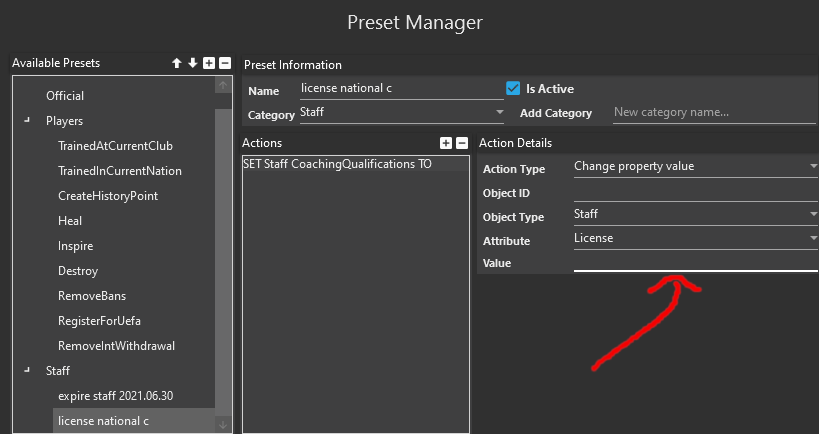
  • Ability to customize preset buttons in team players list, presets can be added, removed or re-ordered in Preset Manager
  • Ability to create presets for competitions registrations (Domestic league, Libertadores Club World Cup)
  • Ability to create presets for: trained at current club and trained at current nation
  • Ability to customize presets that are visible in player / staff / gamer information page
  • Height and Weight filters to Players Advanced Search / Mass Edit
  • LoanManager and technicalDirector to Staff Advanced Search / Mass Edit
  • Ability to filter players/staff/clubs by relations
  • Ability to edit staff city of birth
  • Ability to edit players competitions bonuses
  • Ability to apply presets within Mass Edit
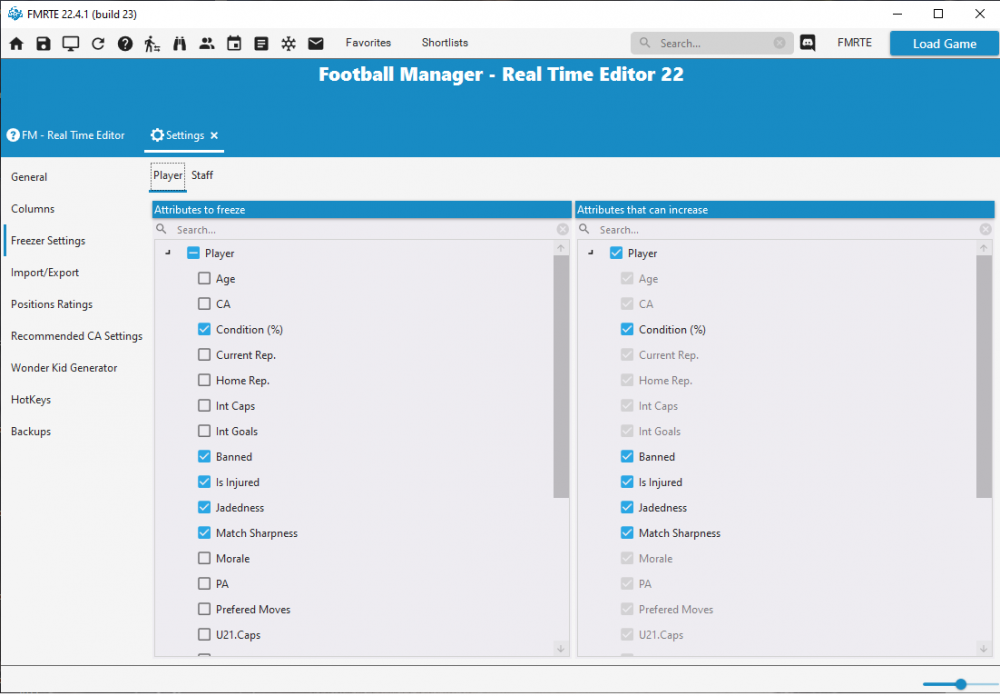
  • Ability to freeze player or staff Age
  • Ability to select which frozen attributes can increase
  • Ability to compare players (attributes / positions)

Known Issues - Features not working yet

  • Number of advised staff
  • Add/remove Nations treated as UE / non forgein

Supported Versions Steam/Epic Store

  • Football Manager 2022 - 22.4.0 (1659721)
  • Football Manager 2022 - 22.3.0 (1651639)
  • Football Manager 2022 - 22.2.0 (1629206, 1632745)
  • Football Manager 2022 - 22.1.1 (1620793)
  • Football Manager 2022 - 22.1.0 (1616383)

Supported Versions Xbox/Microsoft Store

  • Football Manager 2022 - 22.4.0 (1659721)
  • Football Manager 2022 - 22.3.0 (1651639)
  • Football Manager 2022 - 22.2.0 (1628468, 1632745)
  • Football Manager 2022 - 22.1.1 (1620793)
  • Football Manager 2022 - 22.1.0 (1616383)

Supported Versions Xbox Edition

  • Football Manager 2022 - 22.4.0 (1659721)
  • Football Manager 2022 - 22.3.0 (1651639)
  • Football Manager 2022 - 22.2.0 (1628426, 1632745)
  • Football Manager 2022 - 22.1.1 (1620911)
  • Football Manager 2022 - 22.1.0 (1616556)

Supported BETA Versions

  • Football Manager 2022 - 22.1.1 (1620793)
  • Football Manager 2022 - 22.0.1 (1611625, 1612687)


  • Replies 348
  • Views 150.7k
  • Created
  • Last Reply

Top Posters In This Topic

Most Popular Posts

  • It will be updated as soon as possible.  Do NOT ask again.  Period!!!   Any more and you two alongside others will receive warnings.

  • Hello   This is the first public version, so please use it carefully, it may have bugs, or cause crashes.   I'm currently working on the website / store and I expect to have it in

  • culturedleftfoot
    culturedleftfoot

    https://www.fmrte.com/forums/topic/6985-when-there-is-an-update-to-the-game-on-windowsmacgamepassxboxfm22-beta-updated/    I bumped this thread so there can be no excuses
Posted Images

Featured Replies

11 hours ago, culturedleftfoot said:

can users read and follow this you need to provide the details requested not just state I have found a problem😉

as some are not using the App as suggested Run as administrator and/or not using the current updated build 


also please stop asking when unsackable will be added etc

the devs are working on features and will be updated to the App if and when they can, so just be patient

cheers


3 hours ago, Penza06 said:

I cannot find where to freeze players?

Load the team you and look at the right side of the program , will show heal / destroy etc then under this freeze un freeze & so on

Could the freeze option be re-added to the player screen? I keep ticking and un-ticking the ‘apply to all’ box so I end up with loads of frozen players at once lol

16 hours ago, culturedleftfoot said:

👍

Worked perfectly! To get round the permits I will add player nationality and test this way, then once in and signed remove it , thanks for help/ ideas sir, loving this year's FM I usually play touch but this Is lovely, 7 hours in and only played 10 games, 2 busy using search trying to find nice players 2 help with promotion! Haha

Edited by Kilmarnock Sam

3 minutes ago, Kilmarnock Sam said:

Worked perfectly! To get round the permits I will add player nationality and test this way, then once in and signed remove it , thanks for help/ ideas sir, loving this year's FM I usually play touch but this Is lovely, 7 hours in and only played 10 games, 2 busy using search trying to find nice players 2 help with promotion! Haha

and thanks for updating us that it worked

cheers

happy editing

Hi , 


may be this is not the right thread to put this , but there a missing feature , when you're in the player menu , you cannot anymore move him to a new team .

that feature just disappeared .


Can you please add it back ?.


Also , color management is weird , some of the tabs disappear and reappear when you hover over them with the mouse .


Thanks for the good work .

Noticing a few issues with players club changing in the Freezer Manager


Uncertain if it affects anything in-game but may be worth looking into, will update if I manage to figure anything out myself


Cheers


Hello to all.

Have anyone tied the FMRTE to windows 11? I suppose it works fine?

8 hours ago, bodyguard446 said:

Hi , 


may be this is not the right thread to put this , but there a missing feature , when you're in the player menu , you cannot anymore move him to a new team .

that feature just disappeared .


Can you please add it back ?.


Also , color management is weird , some of the tabs disappear and reappear when you hover over them with the mouse .


Thanks for the good work .

From Page 1:


Known Issues - Features not working yet

  • Number of advised staff
  • Gamer options (such as, unsackable)
  • Swaps
  • Clone players
  • Move players
  • Add/remove Nations treated as UE / non forgein
7 hours ago, bodyguard446 said:

Hi , 


may be this is not the right thread to put this , but there a missing feature , when you're in the player menu , you cannot anymore move him to a new team .

that feature just disappeared .


Can you please add it back ?.


Also , color management is weird , some of the tabs disappear and reappear when you hover over them with the mouse .


Thanks for the good work .

Read the opening post its a known issue

  • Author

FMRTE 22.0.1 Build 5 - RELEASED

Download: FMRTE Auto-update or https://www.fmrte.com/download/fmrte22


Changelog

Added

  • Support for 22.0.1 1612687 game version
  • Ability to select which attributes are imported (in FMRTE Settings) when importing players / staff from files
  • New currencies in FMRTE Settings
  • Players / Staff swaps (use it carefully)

Fixed

  • Editing player positions not being saved if the player is frozen
  • Some minor issues within Freezer Settings
  • Some minor UI issues
  • A bug with '+' and '-' buttons in Player Information
  • An error when deleting a nation agreement

I just want to thank you for adding the function to use the FMRTE on a non-supported FM-version.

On 10/26/2021 at 3:50 AM, Zashrogan said:

Could the freeze option be re-added to the player screen? I keep ticking and un-ticking the ‘apply to all’ box so I end up with loads of frozen players at once lol


It took me a while to find it but it has been moved in the players screen to the playing info left corner

5 hours ago, culturedleftfoot said:

The next user to ask when will a certain feature be ready is getting a warning.


The full list of disabled features is in the Downloads page.  You lot have been warned!!!

16 minutes ago, loomie said:

i now the File , Thanks  ...i was wondering because in the decription of FMRTE i read EDIT STADIUM NAMES? 🙂

can you show me where it says stadium names can be edited and no need to use caps 😉


as the description on the home page does not say that


d3ea9802ee8d8b7b6cef6dc5a4d7afaa.png

Join the conversation

You can post now and register later. If you have an account, sign in now to post with your account.
Note: Your post will require moderator approval before it will be visible.

Guest
Reply to this topic...

Account

Navigation

Search

Search

Configure browser push notifications

Chrome (Android)
  1. Tap the lock icon next to the address bar.
  2. Tap Permissions → Notifications.
  3. Adjust your preference.
Chrome (Desktop)
  1. Click the padlock icon in the address bar.
  2. Select Site settings.
  3. Find Notifications and adjust your preference.