Leaderboard
-

culturedleftfoot
Senior Moderators5Points10407Posts -
BraCa
Administrators2Points5071Posts -
Shenmue is life
Members1Points23Posts -
PODSY12345
Beta Testers1Points152Posts




Popular Content
Showing content with the highest reputation on 12/06/20 in all areas
-
2 pointsFMRTE 21.1.3 (Build 16) - Released Download: FMRTE Auto-update or https://www.fmrte.com/download/fmrte21 Changelog Added Support for FM 21.0.6 Xbox Edition Hair colour/length to Mass Edit Skin colour to Mass Edit Move Player to Club Swap Players Player Best role/duty is now automatically selected on player information page Buttons to max/min all staff knowledge or languages fluency Fixed Searching for regens2 points
-
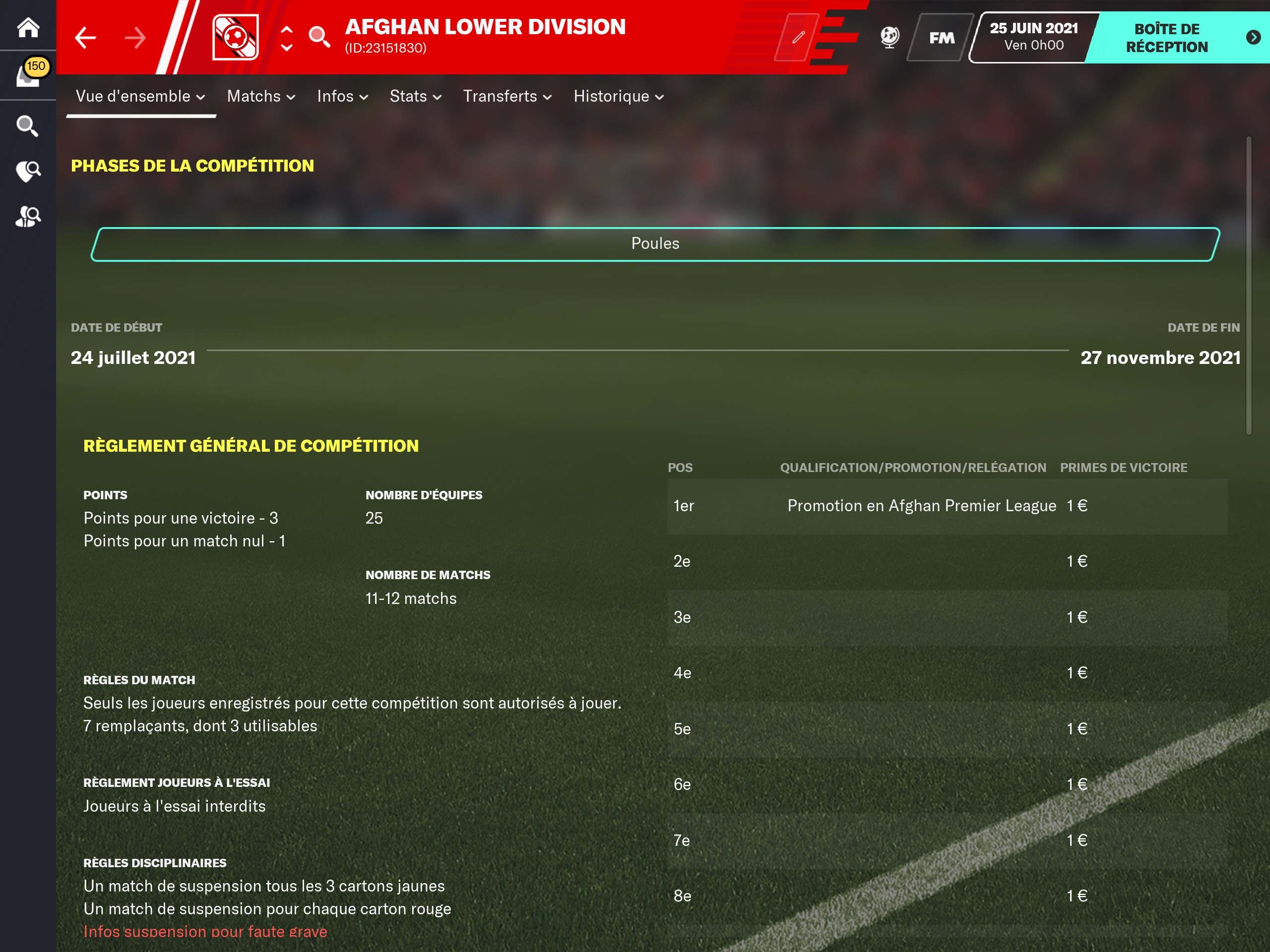
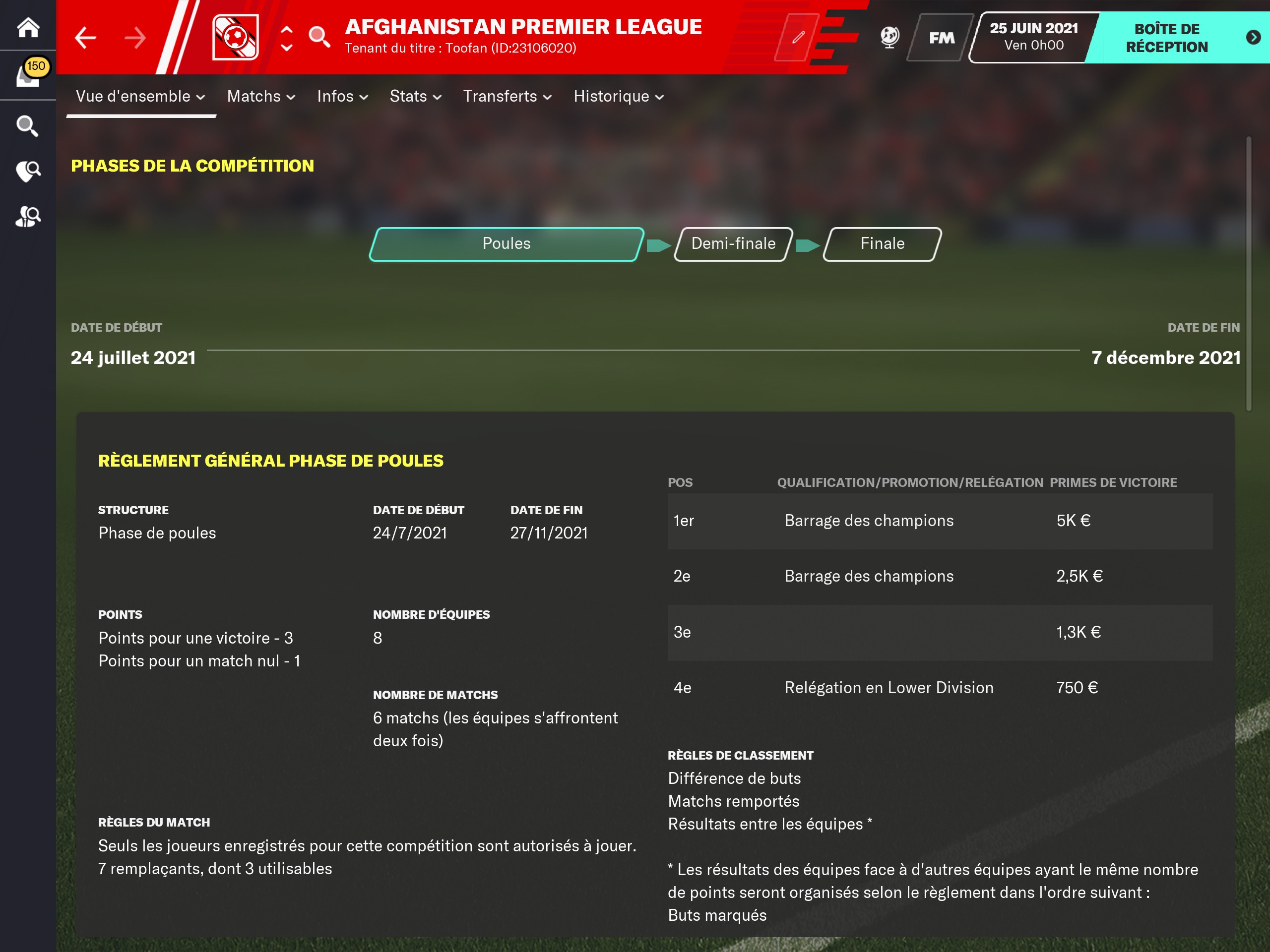
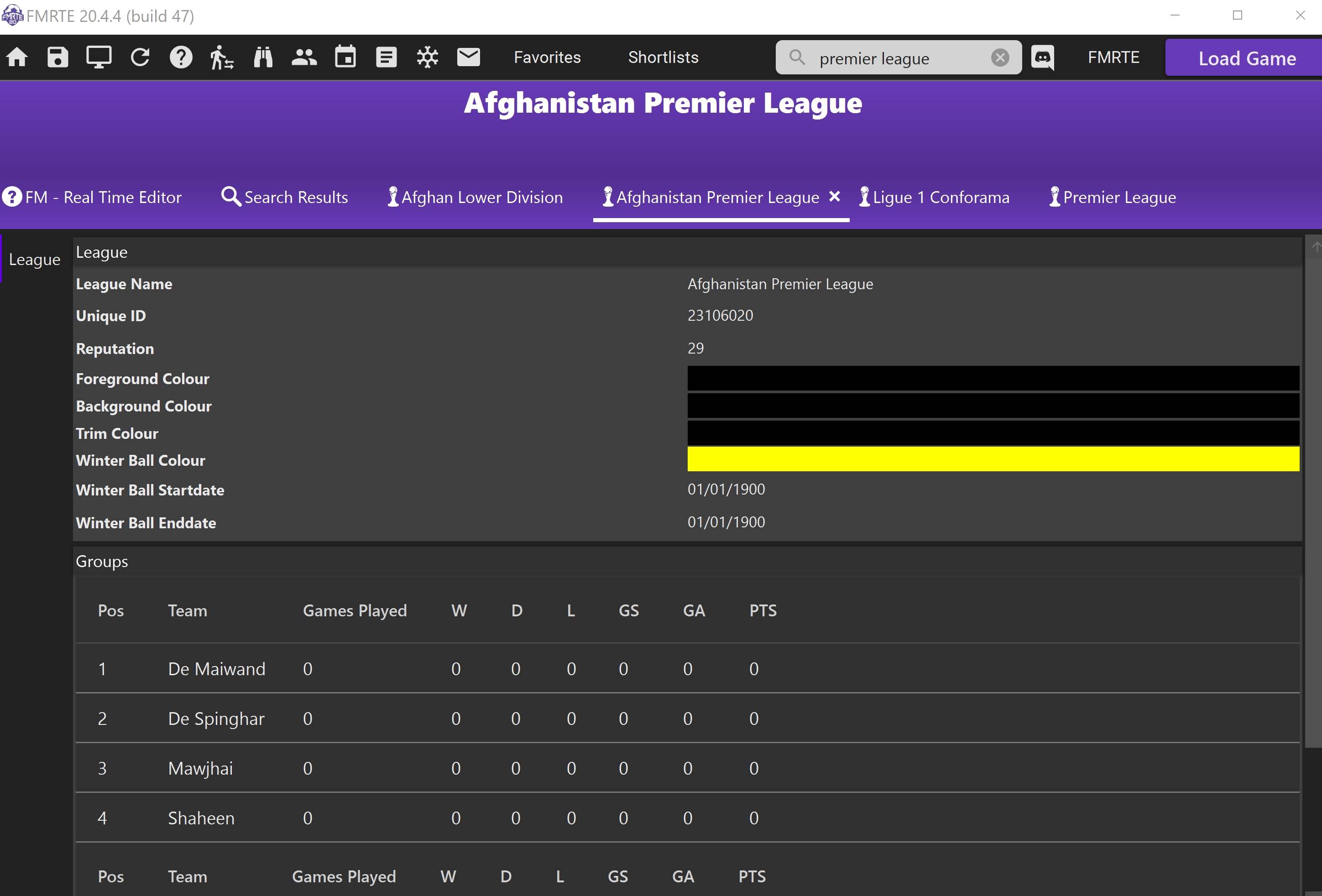
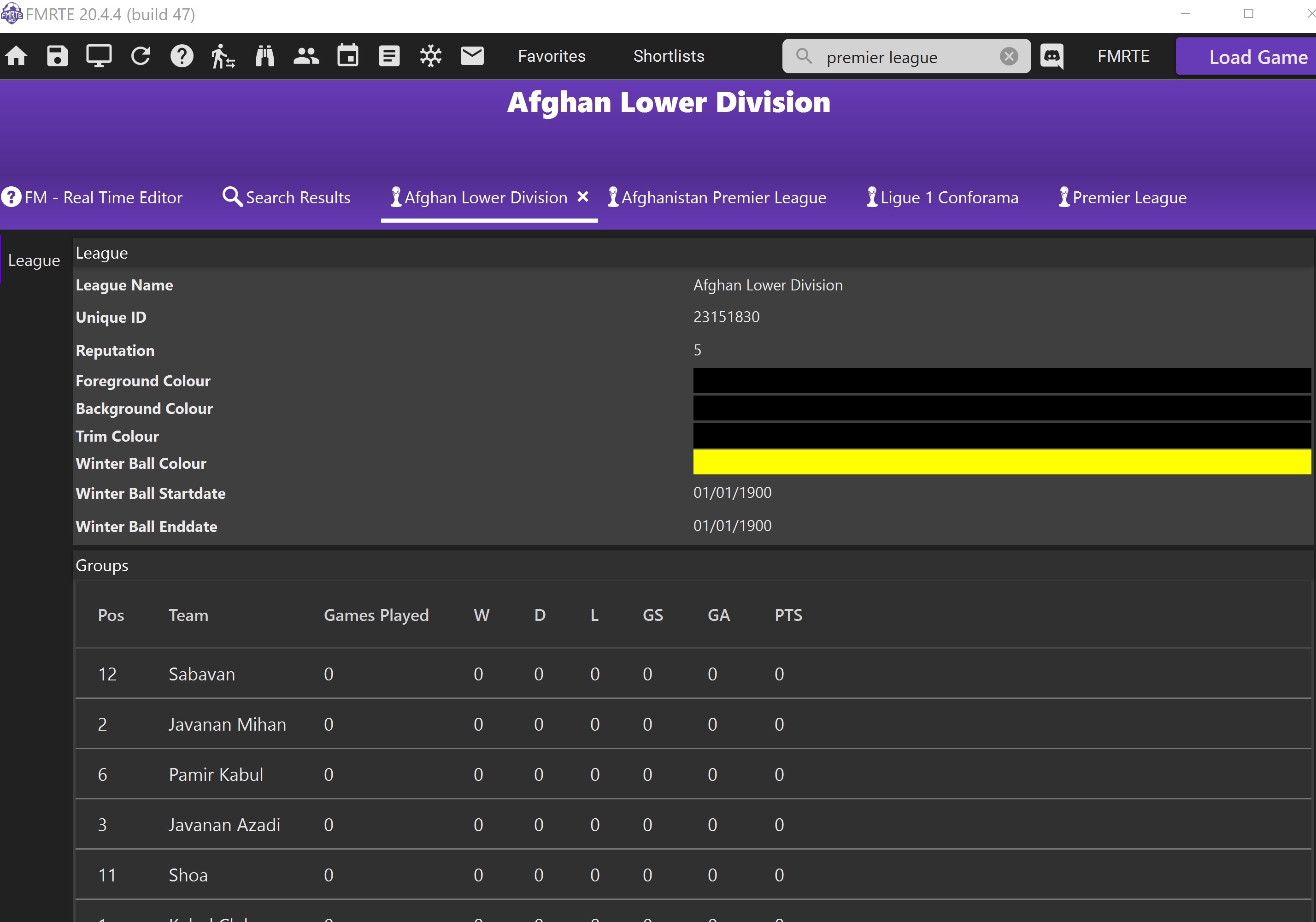
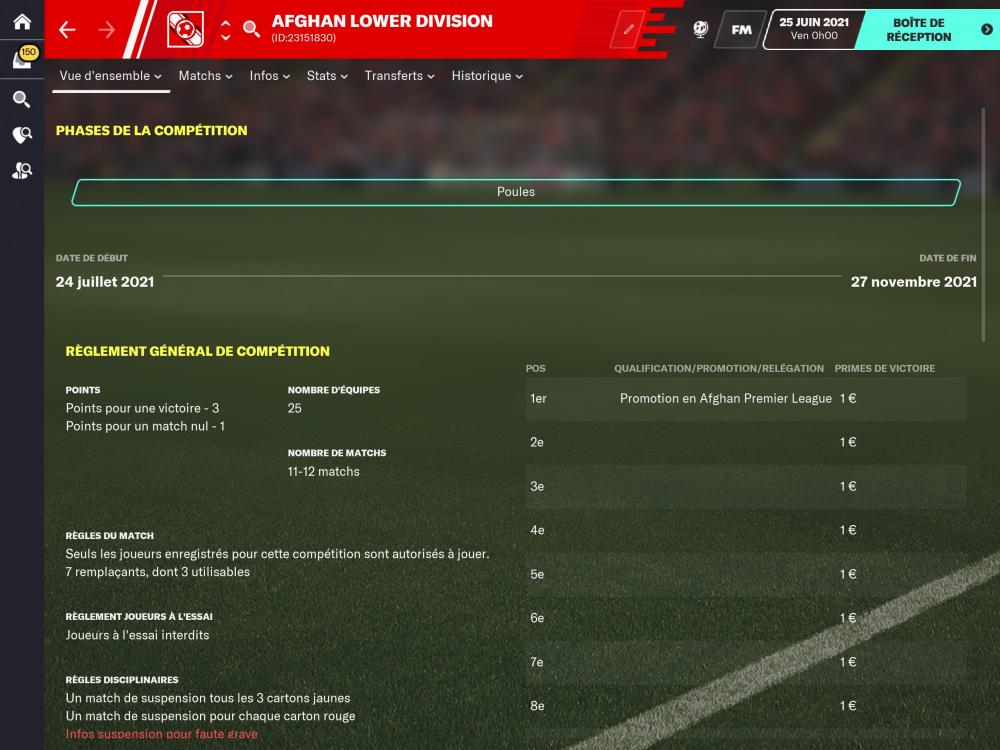
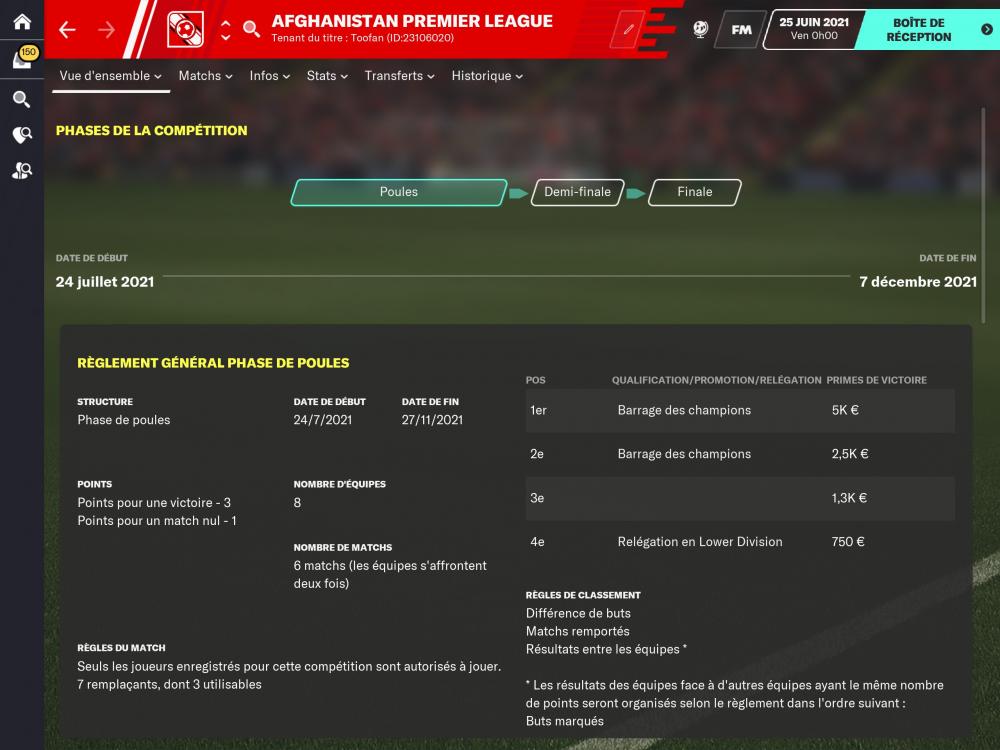
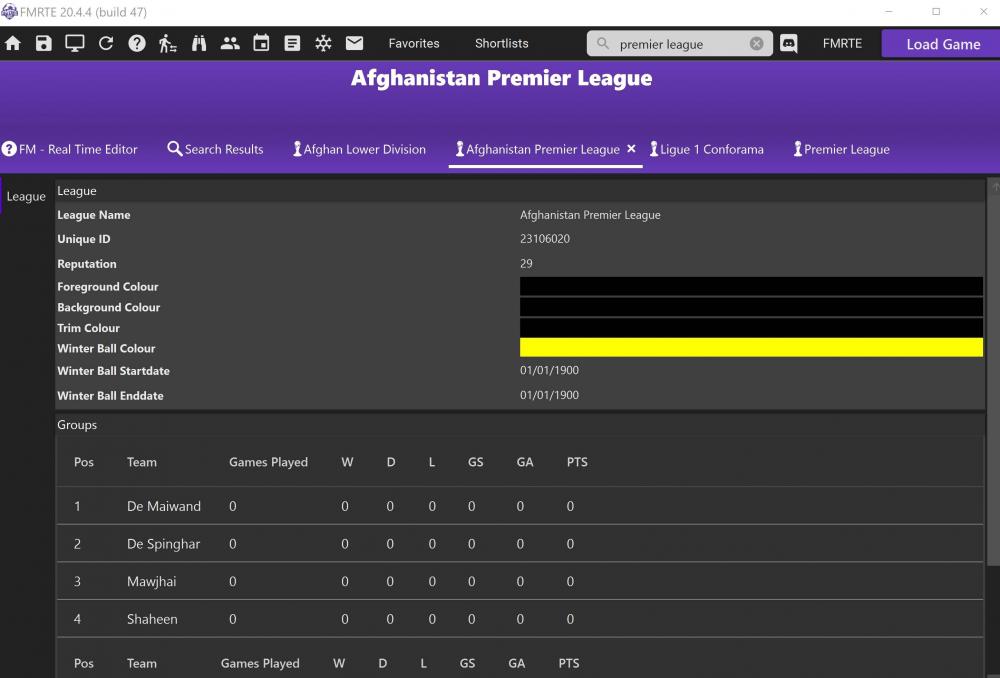
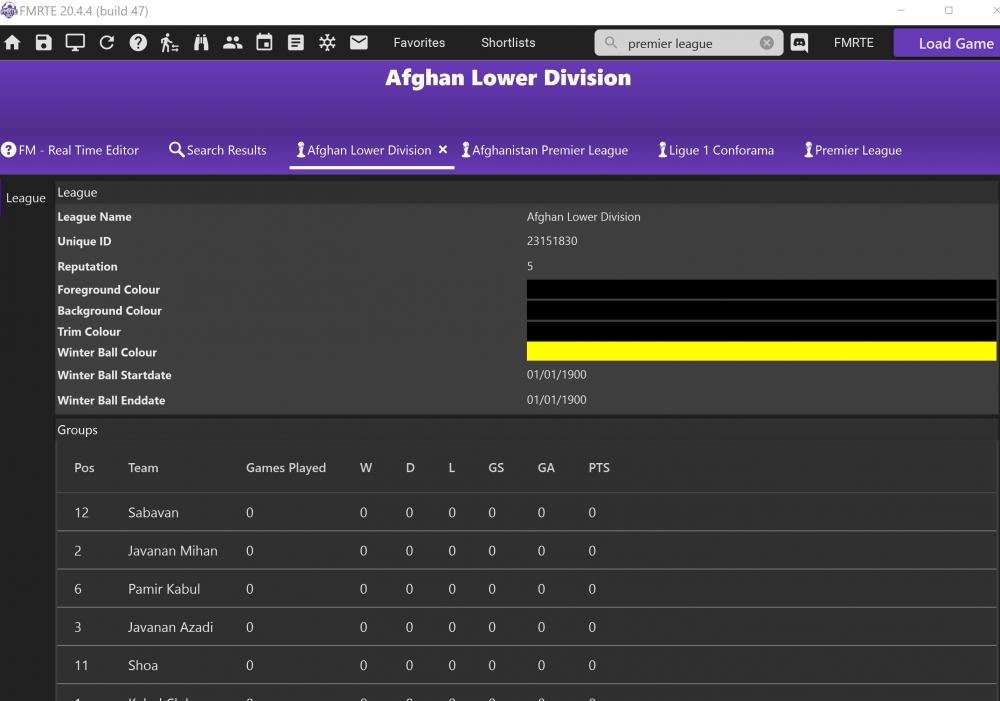
The "rules" page of these two division indicates prize money values. Both are active and playable but FMRTE fails to show up these value in in its interface.
 1 point
 -
It isn't added yet the Devs are aware And working on it Any news will follow in due course1 point
-
1 pointFollowing on from this request - The option to edit future career plans would be an excellent addition IMO by doing this pre game it influences if a player will decide to stay in game after finishing playing , it also influences a persons decision if he should/wants to leave his current club/sign a new contract etc etc1 point
-
1 pointThey are very busy and I am sure they will have news if it can be done in due course cheers1 point
-
https://www.fmscout.com/a-fm21-leagues-megapack-by-qwert2.html try this as there is an afgan league verified so that might be a workaround for you😉1 point
-
https://www.fmrte.com/forums/topic/8918-regarding-competitions-price-money/ Have a read of this thread Cheers1 point
-
1 pointBump! Would love this option on FMRTE. I love keeping influential players as backroom staff after they retire.1 point