Using numbers above/below normal settings+All Cheat Codes [use this thread only] Read the Opening Post clearly
- Replies 301
- Views 152.1k
- Created
- Last Reply
Top Posters In This Topic
-
quiroga 100 posts
-
Aaron1 49 posts
-
0527 20 posts
-
culturedleftfoot 12 posts



Most Popular Posts
-
127 professionalism works
-
Here's my method of realistic growth for fm24. In order to have more realistic and consistent results. Please keep in mind I don't mess up with players' values or club financies. So you won't win ever
-
Click on FMRTE button in editor & go to settings & then freezer settings. You will find that screen there.


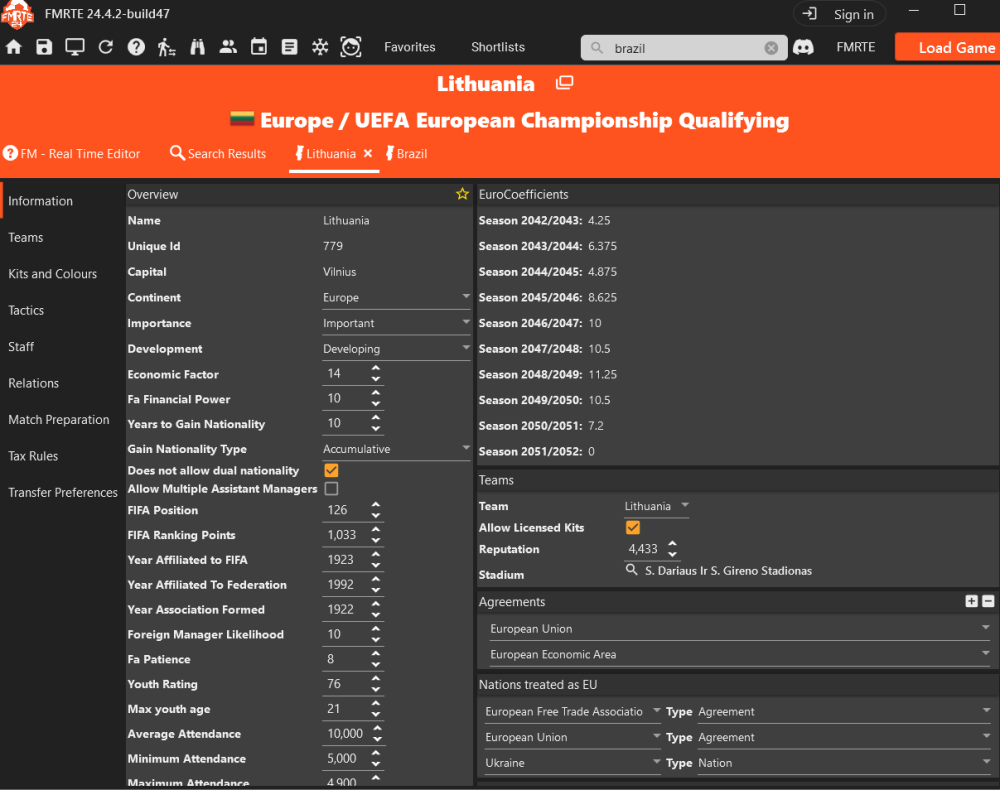


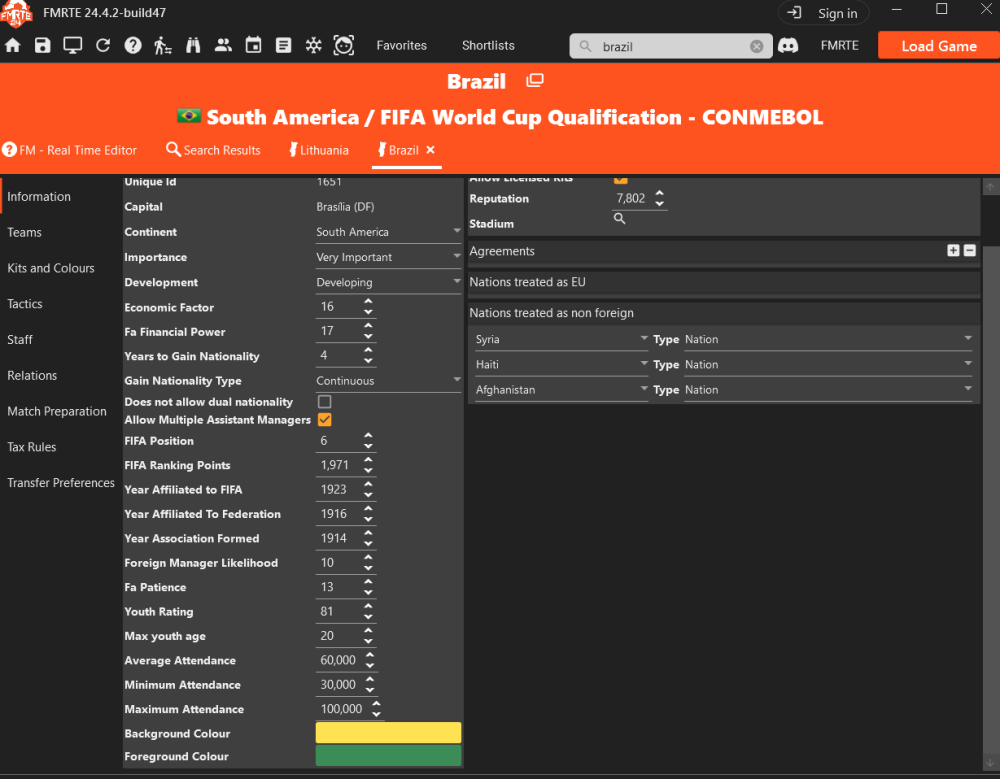
Started a new thread on this, here is a link to the old thread for reference
NB This thread is the place to discuss ''Cheat codes'' etc
for new users to be aware we do not support using values above/below[- minus settings] the recommended settings and any talk about these codes confine it to this thread only please[if your tagged into this thread this is the reason] Do not start new threads on this or post on other threads which have nothing to do with this topic.
It is up to users if they want to do this as its your choice if you want to experiment
However It can result in the game/app becoming unstable and cause crashes to both FM and FMRTE, or even corrupt a saved game.
I do not use FMRTE to 'cheat' as such(but have no issue with any user using it for any reason you want...you buy it you use it as you wish😁)
I have however used these codes just to experiment with in the past- it resulted in some crazy scorelines eg 30++ nil, but I did get many crashes and its the only time I have experienced a corrupted save, so be aware.
No one is stopping anyone having fun with this but it is at your own risk and just to be clear no support is given for these codes if it crashes the App and or game.
Do not start any new threads on this or ask questions etc regarding their use on any other threads, keep ALL posts on this in this one thread.
cheers
@Aaron1