Sharing Presets and testing Presets
- Replies 77
- Views 74.2k
- Created
- Last Reply
Top Posters In This Topic
-
culturedleftfoot 25 posts
-
quiroga 10 posts
-
Leonardo Godinho 7 posts
-
Aaron1 5 posts




Most Popular Posts
-
so I must repeat: I did it in FMRTE 24 preset all staff (200/200 + attributes 20) for those you can hire that is, not for the CEO position and those you can't hire. Here the file extract it to
-
I made the preset for Knowledge for scouting, I think all the countries are 100%. If I miss one let me know thanks Knowledge.json
-
Uploaded a preset changing loan contracts to 30/6/25 to opening post NB some loan contracts in some leagues are bizarre in that players train with their parent club this may impact training camps et


Most Helpful Posts
-
I made the preset for Knowledge for scouting, I think all the countries are 100%. If I miss one let me know thanks Knowledge.json
-
Super stuff thanks for sharing FYI anyone using this there will be a slight delay while this is actioned by FMRTE especially if you are mass editing staff as there is a lot to process
-
Hi I have removed your other duplicate post I have updated the opening post take a read cheers
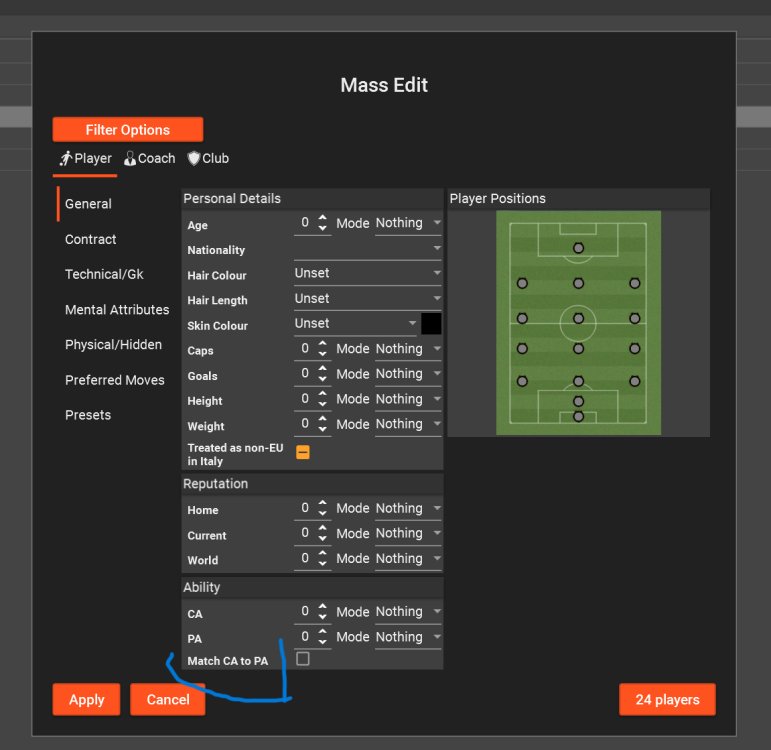


Hi all
I did have a thread a few years ago to share Presets so decided to start a new one
Please add the Preset you use with a brief explanation what you use it for in you post
Like the post/s of the person providing the Preset
I will add your presets to this post so they will be easy to find, and give the user who created it a mention here
Player Presets
Contract keep player at club.json [contract starts with a date in future,result player stays at club]
Weaken_Player.json [reduces player match attributes AI will still pick but wont last game]
Player Squad Registration.json[Domestic club registration]
Training Happiness 100.json [Set training happiness to 100]
loan contract end date[updated] 30/6/25 more info here
Extend a player's retirement date here
Staff Presets
Staff set to maximum attributes CA/PA 200 here
Staff full knowledge of all countries here
NB This thread is about sharing presets only not for discussing other matters
if you are unsure how to create/use presets read the FAQ
To use the presets shared here, download then open the BraCa Soft folder
place the preset/s directly in the preset folder of FMRTE24
If you want to apply a preset to all clubs in the DB
use the search filter
JUST PRESS OK [you can do the same with players/non players if you want to use a preset on all in the DB just use the player tab]
The search will then show all clubs in DB
select all and right click on mouse apply the preset you want from the drop down list[it will only show the presets that relate to clubs]