Skip to content

FMRTE 21 for macOS

FMRTE 21 for macOS


FMRTE for macOS

This version of FMRTE was designed to work with FM 21.4.0

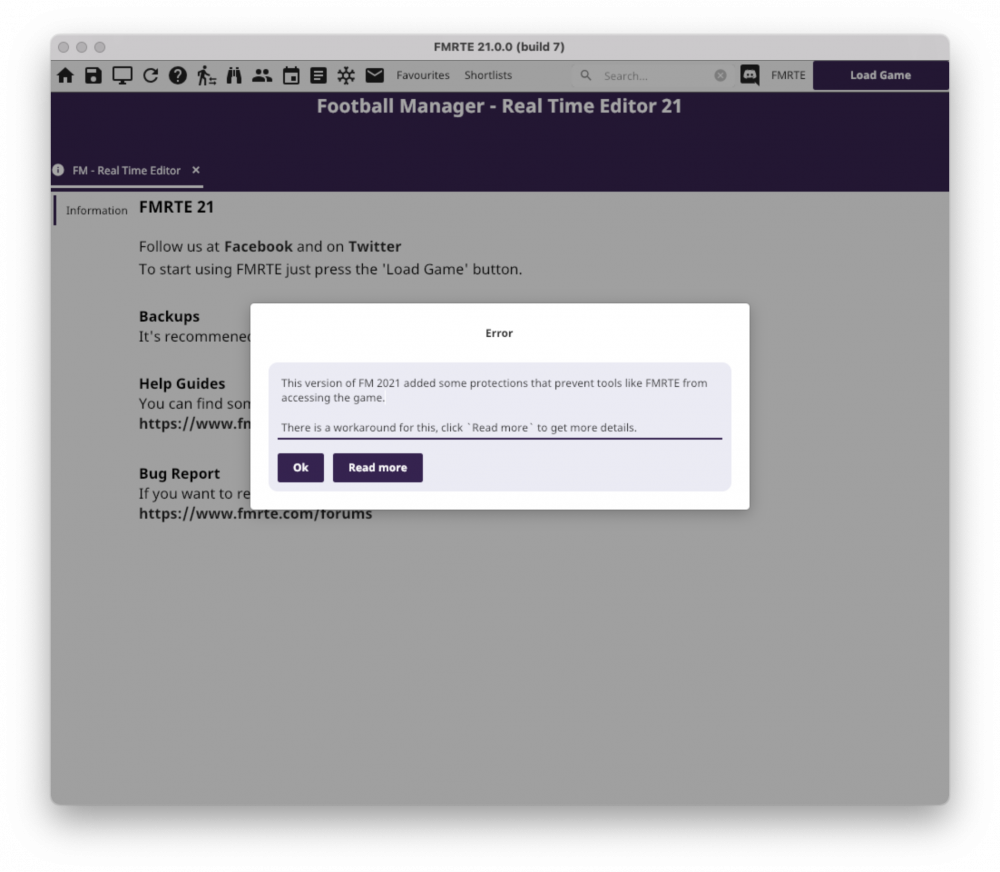
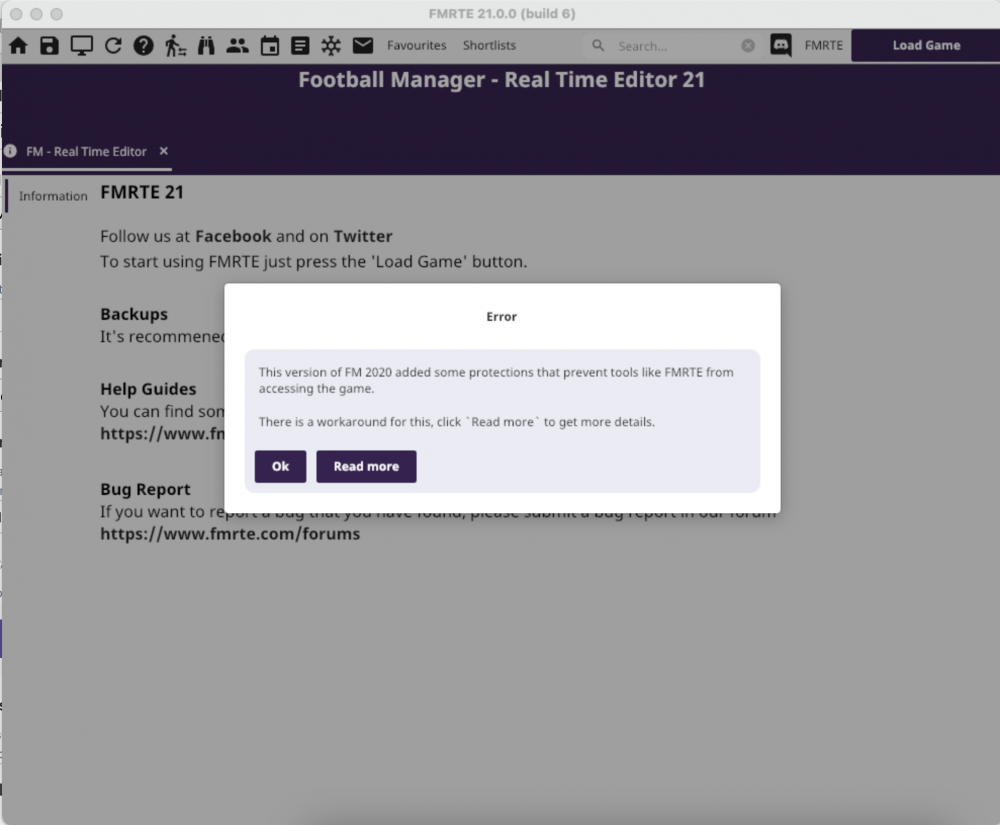
Note: FM 2021 has some protections that prevent tools like FMRTE from accessing the game. You can know more about this here


Changelog

Build 38

Fixed

  • Some B Teams not appearing in Teams tab
  • Setting players Unavailability competitions not working properly
  • General / Positional Rating tabs not working properly

Build 36

Added

  • Support for FM 21.4.0 (1540115) game version
  • Support for FM Touch 21.4.0 (1540190) game version

Build 34

Added

  • Support for FM 21.4.0 (1528944) game version

Build 32

Fixed

  • A bug within Player Clauses that could case the game to crash
  • An issue when editing nations treated as non-forgein or UE

Build 31

Added

  • Support for FM Touch 21.4.0 (1529005) game version

Build 30

Added

  • Support for FM 21.4.0

Build 27

Added

  • Support for FM 21.3.0

Build 26

Added

  • Ability to edit planned stadium works

Fixed

  • Contract / Loan Contract filter columns
  • Some minor UI issues
  • Missing staff attributes when importing/exporting to a file

Build 25

Fixed

  • Sorting columns not working

Build 24

Added

  • Ability to edit clubs/nation foreground and background colors
  • Ability to change a retirement person
  • Ability to easily remove a retirement
  • Swap Staff (except for gamers)

Changed

  • Minor UI changes

Fixed

  • A rare error opening Future Transfers
  • Chinese/Korean/Thai languages not working properly

Build 23

Fixed

  • An error when saving changes

Build 22

Added

  • Wonder Kid Generator Settings
  • An option to force FMRTE to reload transfers when opening Future Transfers

Fixed

  • Mass Edit not working properly when editing frozen players

Build 21

Added

  • Support for FM 21.2.2 game version

Changed

  • Teams players/staff lists buttons - Some of them, such as freeze/unfreeze, etc, will only be applied to selected players

Fixed

  • Wrong wage frequency being displayed in contracts

Build 20

Added

  • Ability to enable/disable automatic highlight of players best role/duty (FMRTE Settings)
  • Ability to enable/disable if presets should be applied to highlighted attributes only (FMRTE Settings)

Removed

  • Some FMRTE settings that were not being used

Fixed

  • An issue that prevented freezed players from being frozen when starting FMRTE
  • An error when opening Clubs Transfer Center

Build 19

Fixed

  • An issue that could prevent gamers from being properly loaded
  • Some minor issues

Build 17

Added

  • Support for FM 21.2.0 game version

Build 16

Added

  • Hair colour/length to Mass Edit
  • Skin colour to Mass Edit
  • Move Player to Club
  • Swap Players
  • Player Best role/duty is now automatically selected on player information page
  • Buttons to max/min all staff knowledge or languages fluency

Fixed

  • Searching for regens

Fixed

  • Sorting players by position

Build 15

Added

  • Support for FM 21.1.3 game version

Build 14

Added

  • Ability to swap players national call up

Fixed

  • An error when opening Transfer Center

Build 13

Added

  • Support for FM Touch 21.1.2 game version

Build 12

Fixed

  • Minor issue with Club Vision

Build 11

Added

  • Ability to edit Clubs Vision
  • More players unhappiness motives
  • Polish translation (not 100% completed yet)
  • Some missing JobTypes (for Staff)
  • Ability to edit first team number of additional staff

Fixed

  • Players unhappiness motives not being displayed
  • An issue with human players not being properly loaded
  • Players hair length and color
  • Clubs Allow Licensed kits

Build 10

Added

  • Support for FM 21.1.2 game version

Build 9

Added

  • Support for FM 21.1.1 game version

Fixed

  • Advanced Search performance when filtering clubs by Age Average

Build 8

Added

  • Support for FM 21.1.0 game version
  • Added new contract clauses/bonus

Fixed

  • Ability to edit injuries
  • Some minor issues
  • Advanced Search / Mass Edit performance

Build 7

Added

  • Ability to apply team presets in clubs search results
  • Ability to apply custom presets in club players list

Fixed

  • Filter players by Current/Potential rating
  • Ability to edit clubs transfer embargo
  • Ability to edit clubs sugar daddy
  • Ability to edit gamer option Allow Squad Registration, Allow Squad Numbers Anytime, Become Unsackable)

Build 6

Fixed

  • An issue loading players profile

Build 5

Added

  • Support for 21.0.0 game version
  • Player Scout Information tabs
  • Staff knowledge screen
  • Staff formations/tendencies screen

Known Issues

  • Swap Staff feature is not available yet

Supported Versions

  • Football Manager 2021 - 21.4.0 (1525123, 1528944, 1540115)
  • Football Manager 2021 - 21.3.0 (1518378)
  • Football Manager 2021 - 21.2.2 (1503138)
  • Football Manager 2021 - 21.2.0 (1499632)
  • Football Manager 2021 - 21.1.3 (1492907)
  • Football Manager 2021 - 21.1.2 (1489880)
  • Football Manager 2021 - 21.1.1 (1489088)
  • Football Manager 2021 - 21.1.0 (1487602)
  • Football Manager Touch 2021 - 21.4.0 (1525129, 1529005, 1540190)
  • Football Manager Touch 2021 - 21.3.0 (1518085)
  • Football Manager Touch 2021 - 21.2.2 (1503138)
  • Football Manager Touch 2021 - 21.2.0 (1499634)
  • Football Manager Touch 2021 - 21.1.2 (1491386)

Supported BETA Versions

  • Football Manager 2021 - 21.0.0 (1476964)


  • Replies 72
  • Views 68.1k
  • Created
  • Last Reply

Top Posters In This Topic

Most Popular Posts

  • Anyone interested in the macOS version, please give it a try, and let me know if you find any issue

  • I probably should've posted here instead of on the bug forum so feel free to delete whichever one is not relevant. I have partially disabled the SIP following your instructions (double checked using L

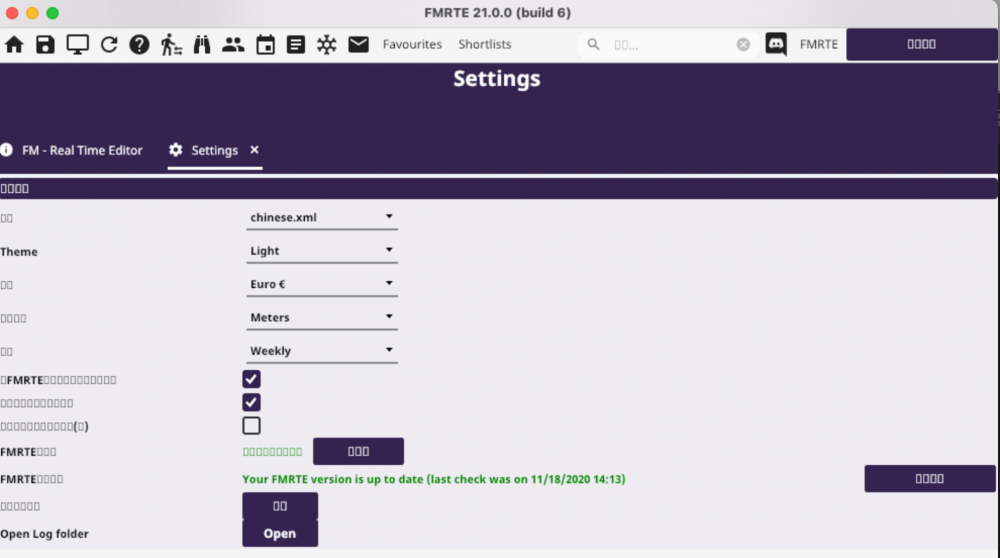
  • I am a Chinese player, the version cannot support Chinese in the game now。When can support it。    

Posted Images

Featured Replies

I'm using the mac version to change the 3D stadium but it doesn't seem to be working.  Should save the changes in FMRTE and THEN save the game I'm running it on?  There isn't much info or tutorial on running this on a mac.

1 minute ago, BraCa said:

@Bill Miller Editing 3D stadium is similar in macOS or Windows


Are you following this tutorial? 


Just edit your 3D stadium like in that tutorial, then save those changes in FMRTE.

Those changes in the 3D stadium should be visible on your next game

When but I am confused about exactly what to do because I open the game  I want to work on, I load the database, I look for the club and stadium I want to chancge, I made the changes and then I save the changes on FMRTE. Is this the entire process because  usually save the FM21 game at this point and this might be the mistake.


  • Author

Yes, thats the process, you edit whatever you want in FMRTE and then press save in FMRTE.


Then you can continue playing your game normaly, you can also save your game in FM21 if you want to.


If for some reason this is not working please submit a bug report https://www.fmrte.com/bug-tracker/fmrte/macos


Thanks

  • 3 weeks later...

I’m recently got mac air m1, running fine.

however when I changed the loan price agreement on fmrte (agreement to buy amount) its not reflect in game, any help? Thanks 

Thank you for your quick support!!

However when I tried to change the Agreed Price for loan player(so we are able to buy them), the fees is not changing in game? Any help? 

Thanks again


883062970_ScreenShot2021-03-16at11_01_33AM.png.01f6ace9edc43c63e5c5a08f9d24b55a.png

  • 2 weeks later...
  • 1 month later...
  • greyfox unpinned this topic
  • 2 months later...

FMRTE 21 MACOS have An issue that could cause FMRTE to ask for reactivation very often.

  • 1 year later...
On 8/9/2023 at 9:13 PM, culturedleftfoot said:

Hi

 the best thing to do is ask the Dev directly by raising a support ticket via your client area.

Cheers

Can you be more specific, please? Where to find it?
Thank u 🙃

Join the conversation

You can post now and register later. If you have an account, sign in now to post with your account.
Note: Your post will require moderator approval before it will be visible.

Guest
Reply to this topic...

Account

Navigation

Search

Search

Configure browser push notifications

Chrome (Android)
  1. Tap the lock icon next to the address bar.
  2. Tap Permissions → Notifications.
  3. Adjust your preference.
Chrome (Desktop)
  1. Click the padlock icon in the address bar.
  2. Select Site settings.
  3. Find Notifications and adjust your preference.