lai
Members
-
Joined
-
Last visited
-
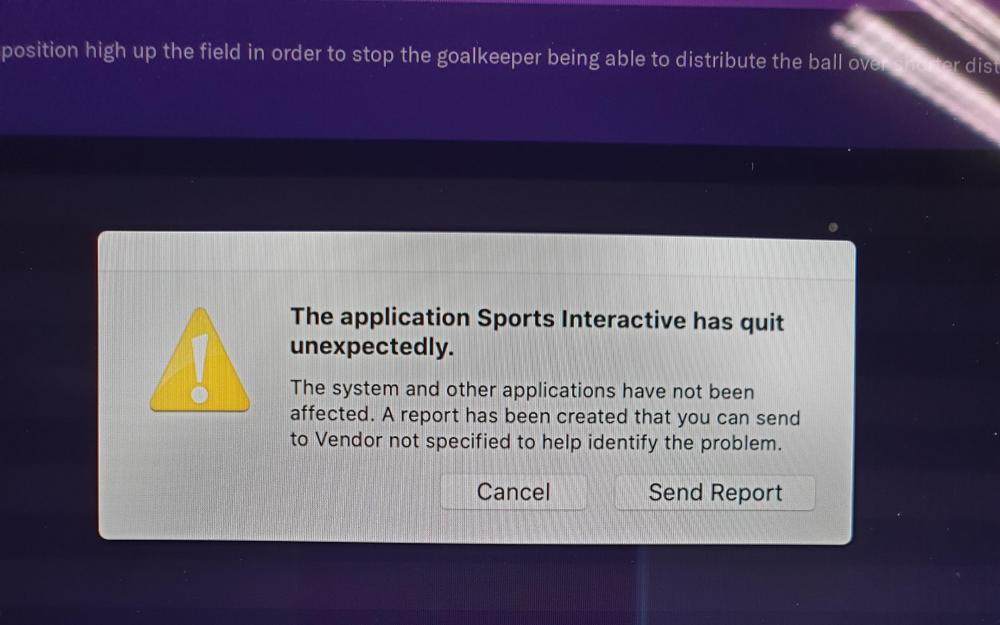
Hi Sir, More precisely, the function of " move to club" is crashed with FM20. Once you use " move to club" function in FMRTE 20, every time you save the game in FM20 , it pops up "the application Sports interactive has quit unexpectedly" and force to close the game.
-
Hi Sir, More precisely, the function of " move to club" is crashed with FM20. Once you use " move to club" function in FMRTE 20, every time you save the game in FM20 , it pops up "the application Sports interactive has quit unexpectedly" and force to close the game.
-
Hi Sir, What is your FM version: FM 20.0.2 What is your FMRTE version: FMRTE 20.0.2 (build 4) Are you Beta testing for S.I.- Yes, playing in FM20 beta version Are you running FMRTE as administrator- I'm using MacOS, not sure whether it is administrator After editing the player using FMRTE 20, every time when i click "save" in the game, it pops up this "the application Sports interactive has quit unexpectedly". I'm using macOS 10.14.6 version.
-
Hi Sir, i'm a newbie. I'm not quite clear about the way to update the initial post. Can you teach me? Any more details that you need from me for solving the problem?
-
Nope, I'm playing FM20 via Steam and using the latest FMRTE 20 for editing player.
-
Hi Sir, What is your FM version: FM 20.0.2 What is your FMRTE version: FMRTE 20.0.2 (build 4) Are you Beta testing for S.I.- Yes, playing in FM20 beta version Are you running FMRTE as administrator- I'm using MacOS, not sure whether it is administrator After editing the player using FMRTE 20, every time when i click "save" in the game, it pops up this "the application Sports interactive has quit unexpectedly". I'm using macOS 10.14.6 version.