Leaderboard
-
galatasaray1f997
Members1Points4Posts

Popular Content
Showing content with the highest reputation on 06/23/26 in Posts
-
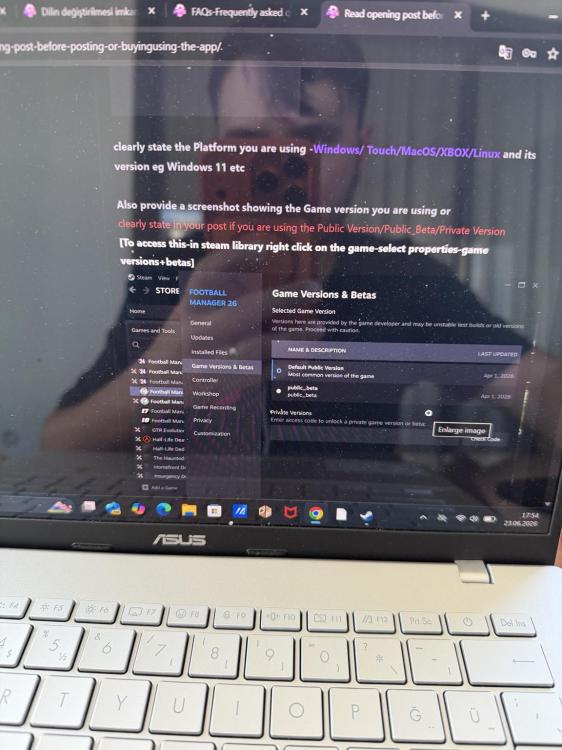
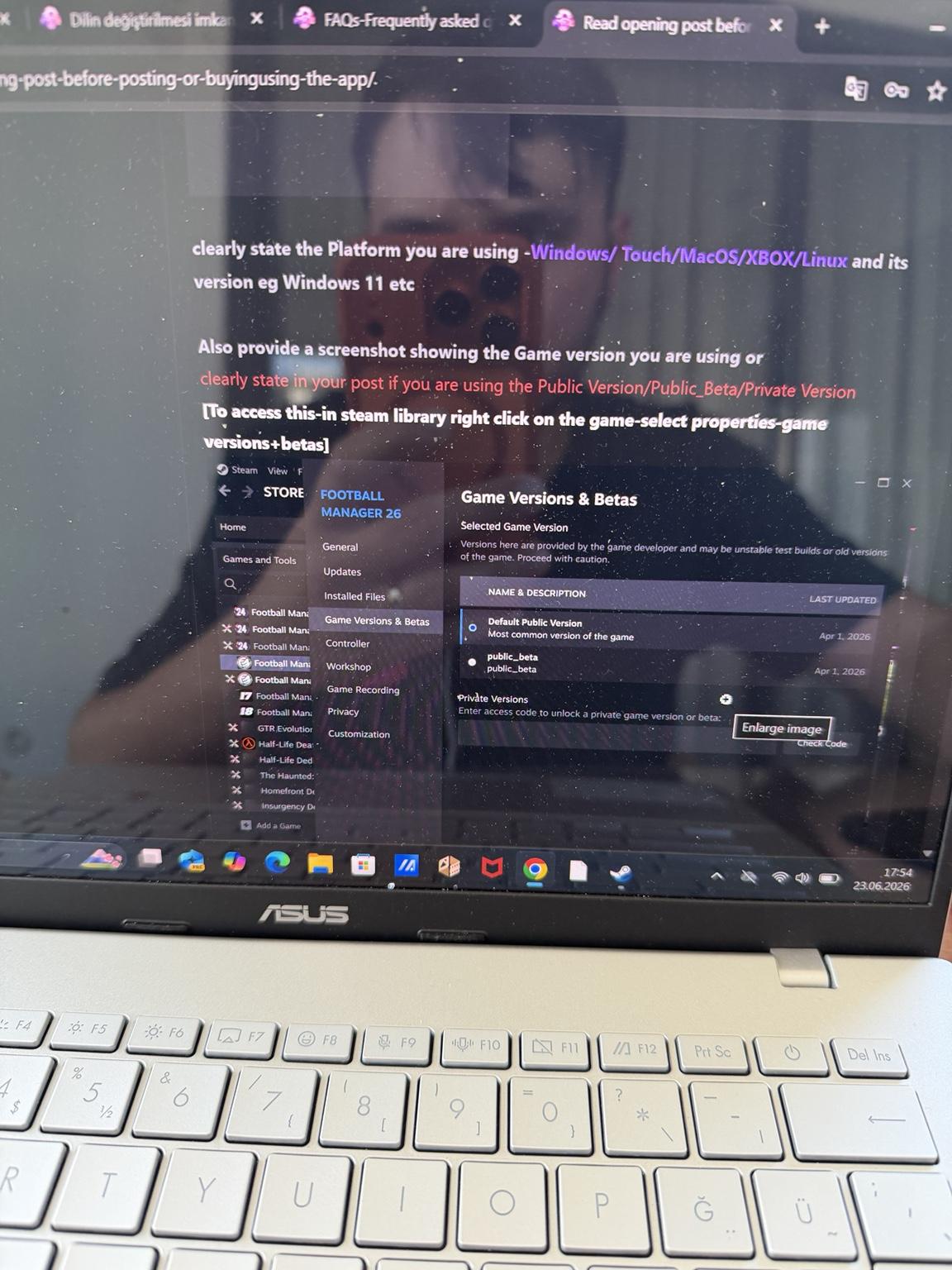
Title: FMRTE 26 Turkish language does not apply / not saving Hello, I am having an issue with the Turkish language option in FMRTE 26. [1] Exact FM version: FM26 26.3.2 Game Build: [Exact FM version: Football Manager 26 - 26.3.2 AppID: 3551340 Build ID: 23583635 Last content update: 11 June 2026, 12:26] Platform: Windows 11 Game version/beta: Default Public Version [2] Exact FMRTE version: FMRTE 26.3.2 build40 [3] Are you running FMRTE as administrator? Yes, I run FMRTE as administrator. [4] Do you have a current license? Yes, I have a current FMRTE 26 license, bought from the official FMRTE website/client area. Issue: When I go to Settings > Language and select Turkish, the interface does not change to Turkish. After closing and reopening FMRTE, it still stays in English. I already tried: - Running FMRTE as administrator - Restarting FMRTE - Setting Release Channel to stable - Enabling Debug Mode - Clearing/renaming AppData FMRTE/BraCa Soft folders - Uninstalling and reinstalling FMRTE 26 - Trying again after activating my license This issue is not related to a specific club/player/league. It is a language/interface issue. Can you please help me fix the Turkish language problem?
.thumb.jpeg.ffe1d3b232f5135b346d6240adcdadab.jpeg) 1 point
1 point
.jpeg.b6f7c9d775b1cad313a0608c1f84ad3b.jpeg)