Leaderboard



Popular Content
Showing content with the highest reputation on 05/17/26 in Posts
-
5 pointsFMRTE 26.3.0 (build 38) - RELEASEDDownload: FMRTE Auto-update or https://www.fmrte.com/download/fmrte26-linux FixedSome issues loading the game5 points
-
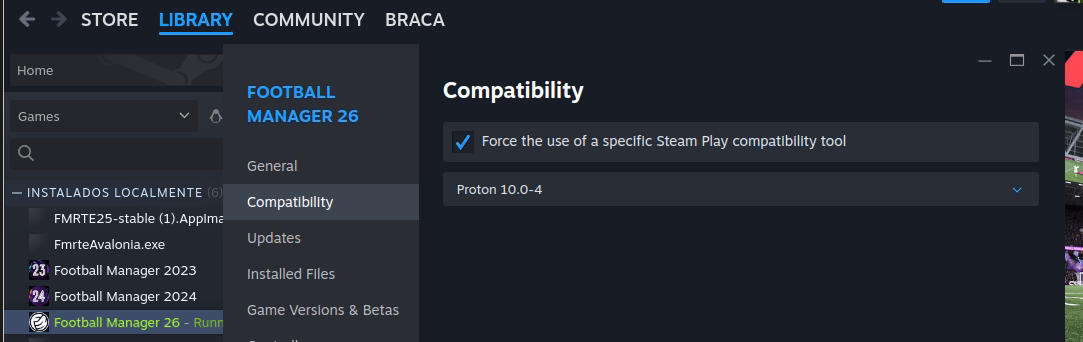
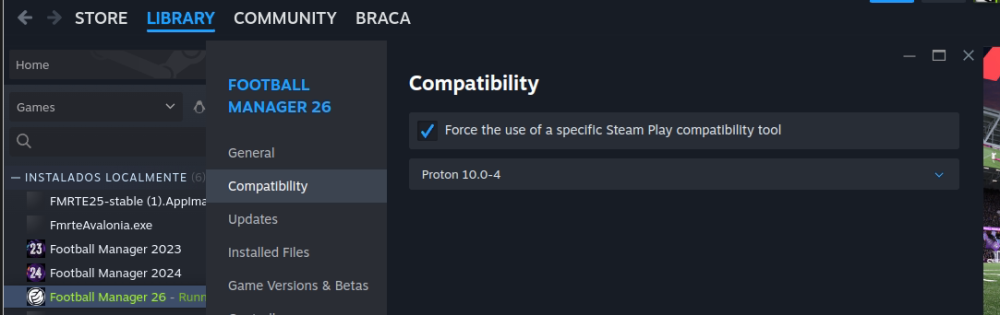
4 pointsI've found the issue, will try to release an update soon. In the meantime, changing the compatability type to Proto 10, or just untick the "Force..." should do the trick
 4 points
 -
2 points
-
1 pointThanks for the feedback, in the meantime I've released an update, build 38, you can update and revert that change if you want to1 point
-
0 points