
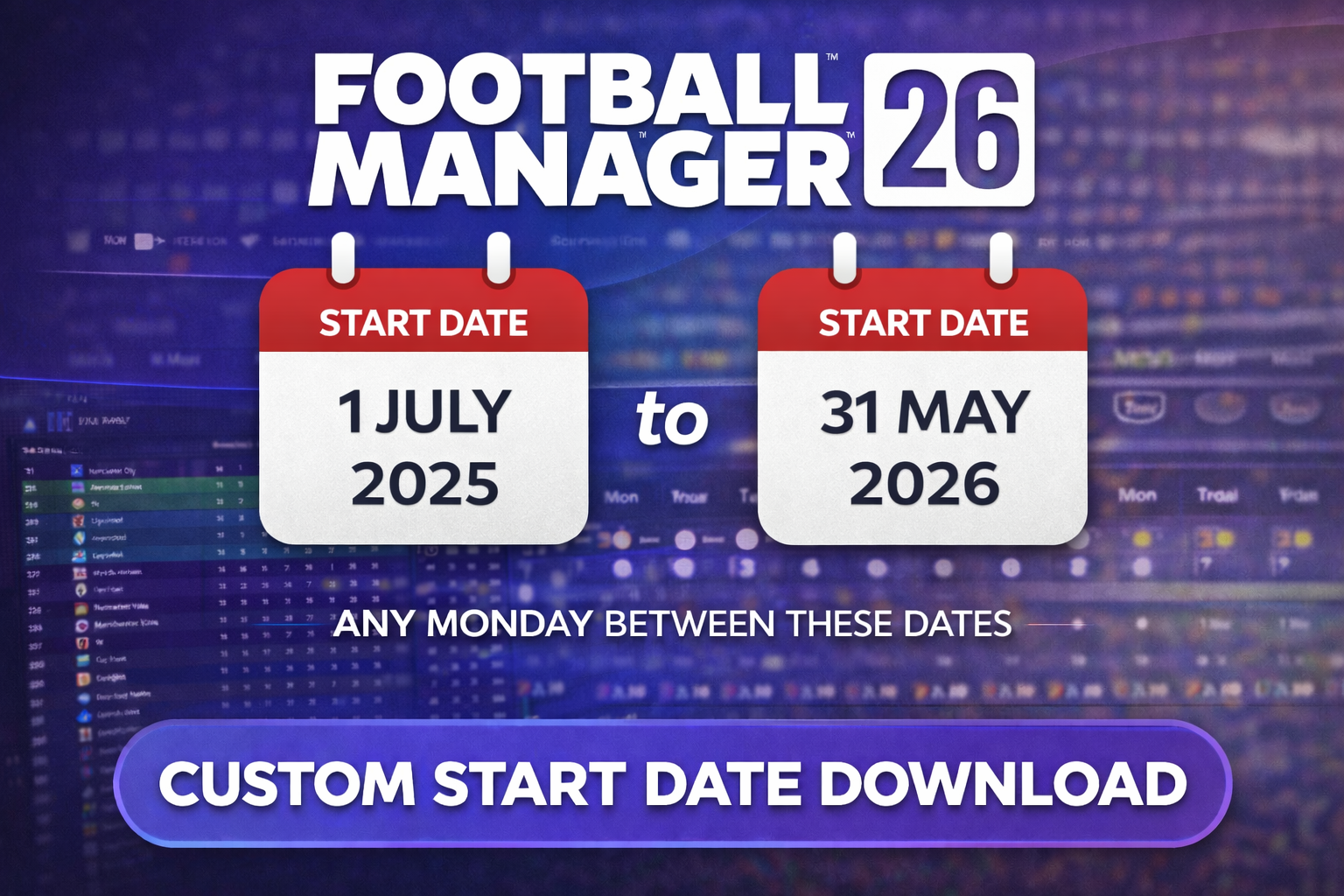
This Custom Start File enables you to commence the game after the standard default setup dates, making it perfect for users who wish to start midway through a season.
You need to be an FMRTE license holder in order to download this file.
Note that Marituas is used as the country for this setup, so if you intend to make that country playable, this file cannot be used.
Please note that this file is incompatible with any other Custom Start file and should not be shared on other platforms/websites.
Click Download, then choose the file corresponding to the day you want to begin your game.
There is a bug in the game that when using custom start dates transfer budgets do not get increased in the first transfer window read from this post here for details.
Install Instructions
Kindly note that all downloaded files are intended for personal use only and should not be redistributed or shared without explicit permission.
What's New in Version 26.0.0
Released
No changelog available for this version.