
FMRTE for Windows
This version of FMRTE was designed to work with FM 27.0.0
Changelog
Build 2
Fixed
- Saves with more than 1 million persons failing to load
- Empty contract columns (expiry date, signed date, transfer status…) in squad, staff and search lists
Build 1
Added
- Support for FM 27.0.0 preview game version
- Quick search overlay (CTRL+F) with history, previews and natural-language queries
- Reworked Advanced Search, Mass Edit, Preset Manager and Freezer dialogs
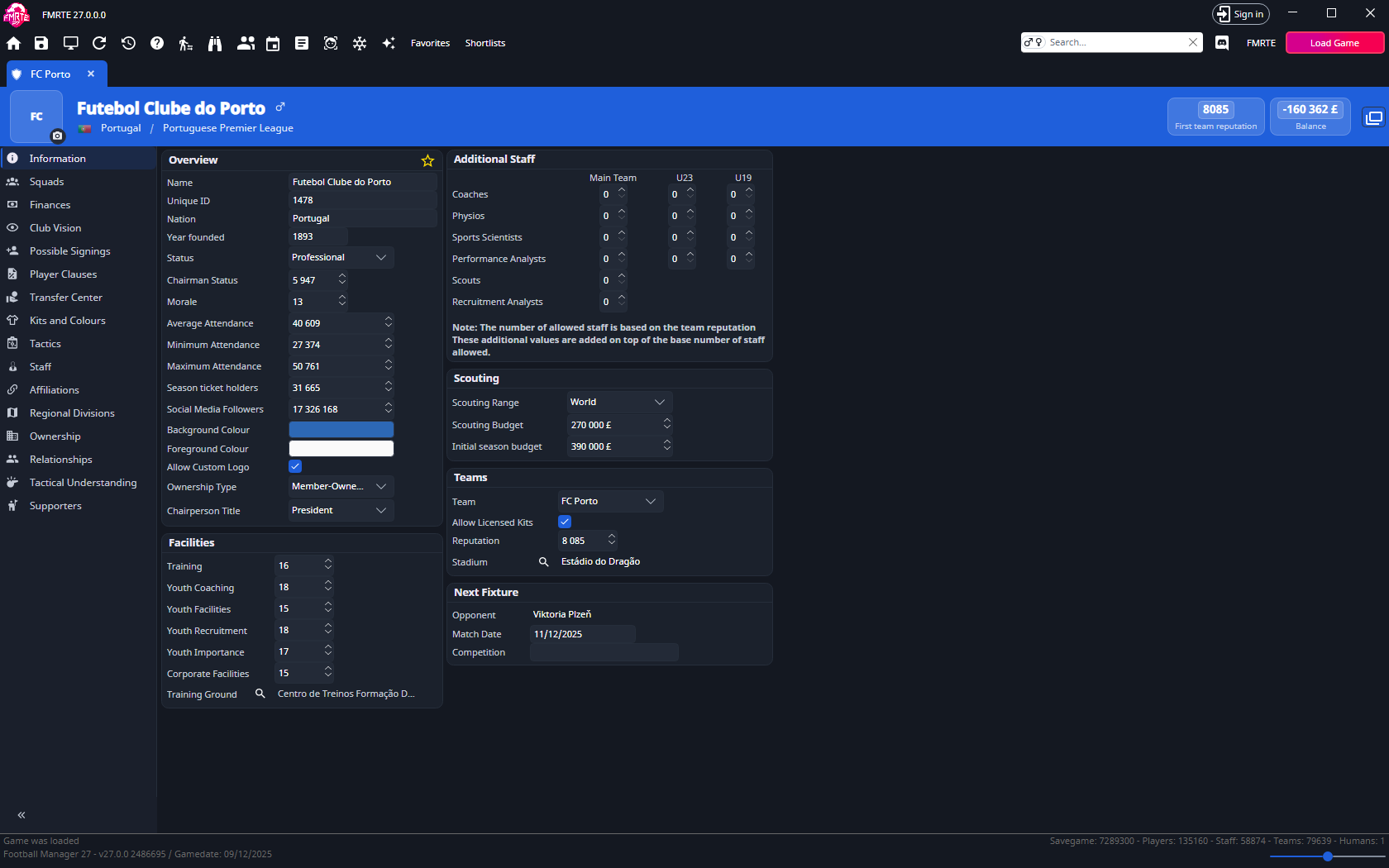
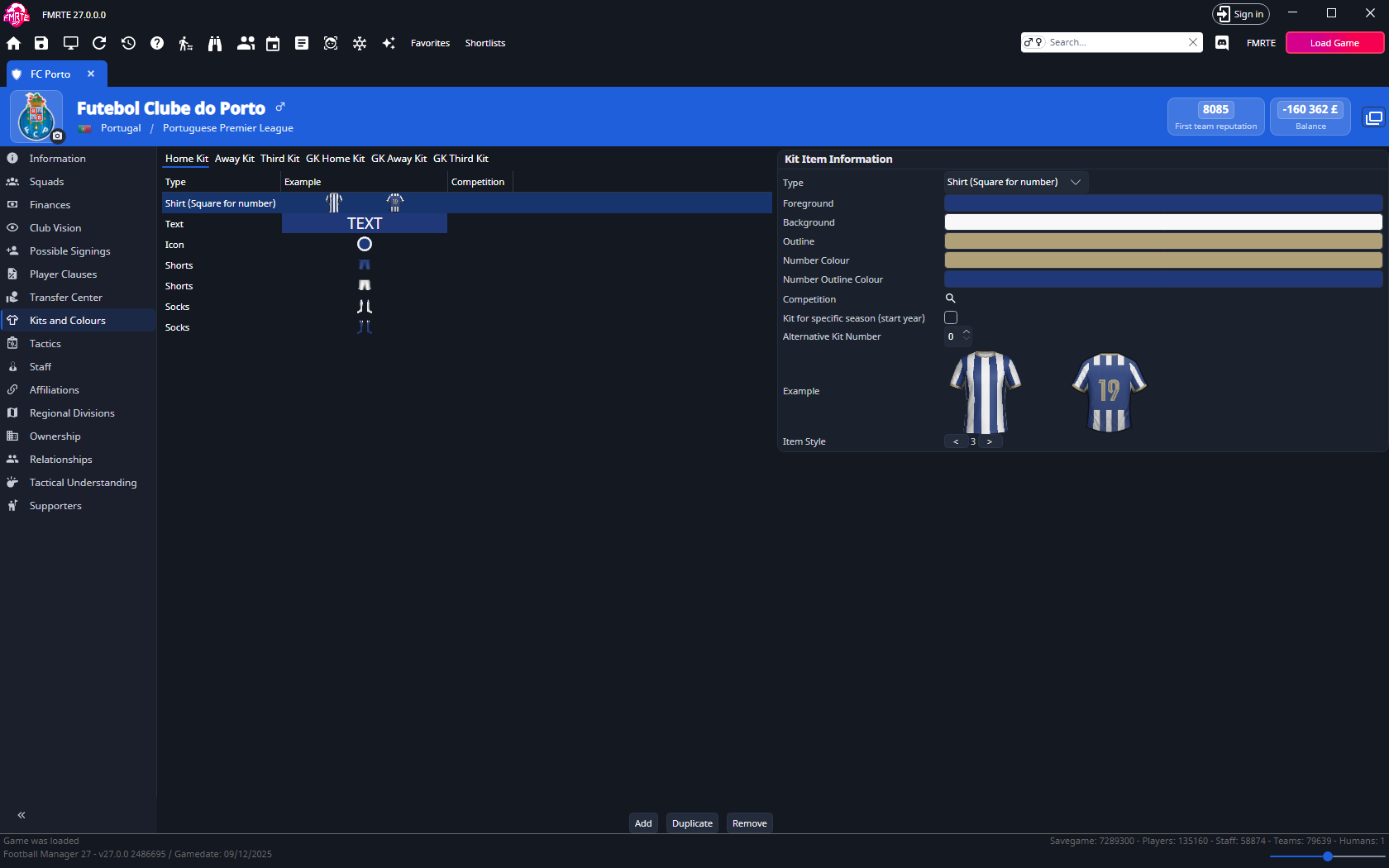
- Compact entity header with faces and logos
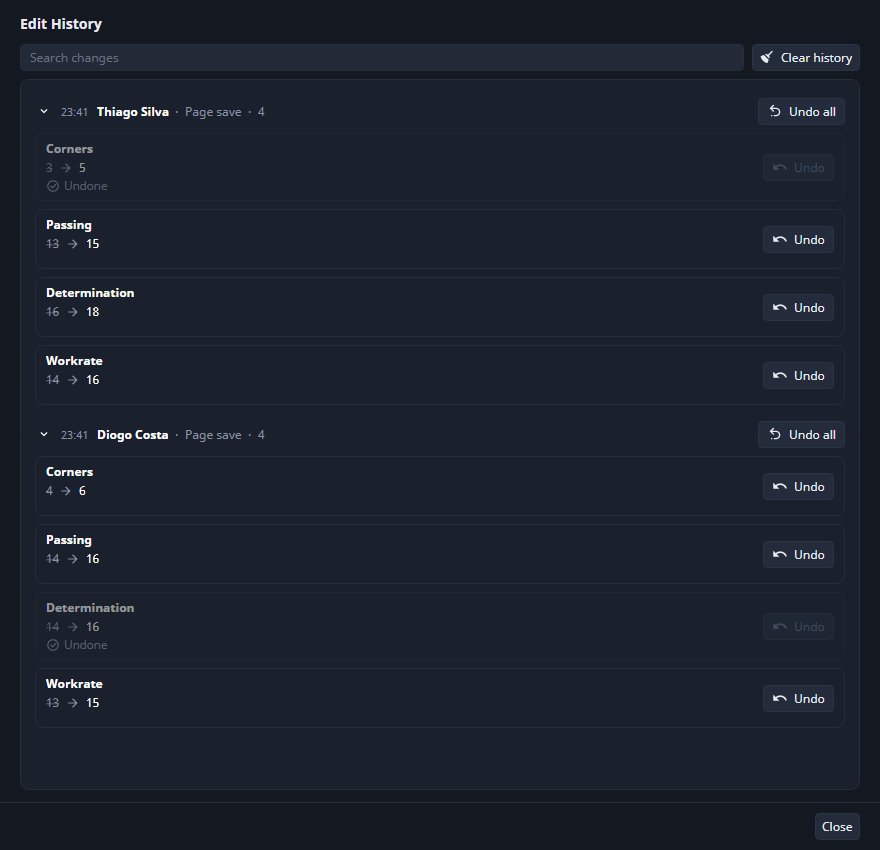
- Edit history with undo, edited/saved field marks and unsaved-changes prompts
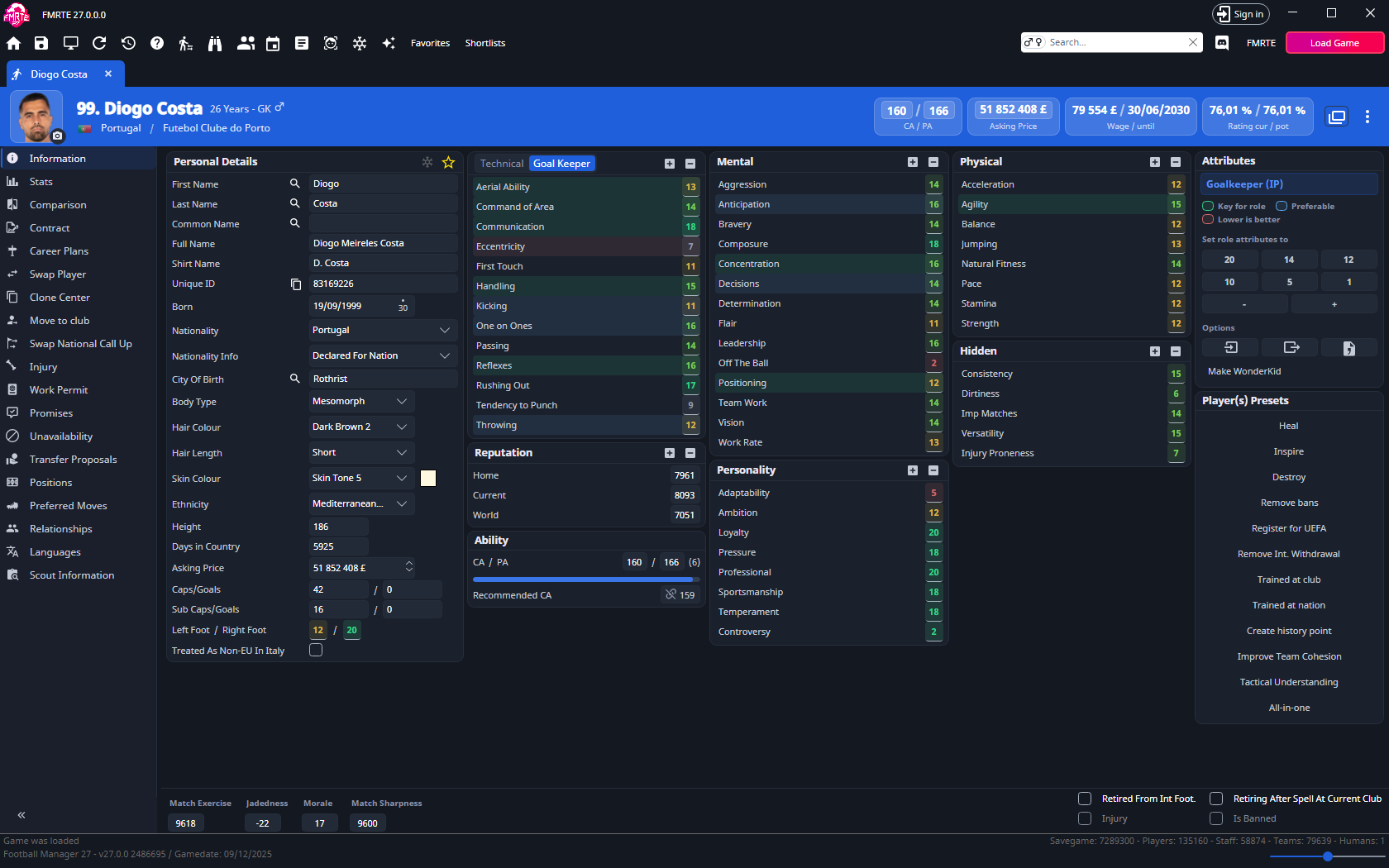
- Player role ratings using the game’s formula, with best role
- Actual and Potential ratings combine the best role rating with CA/PA
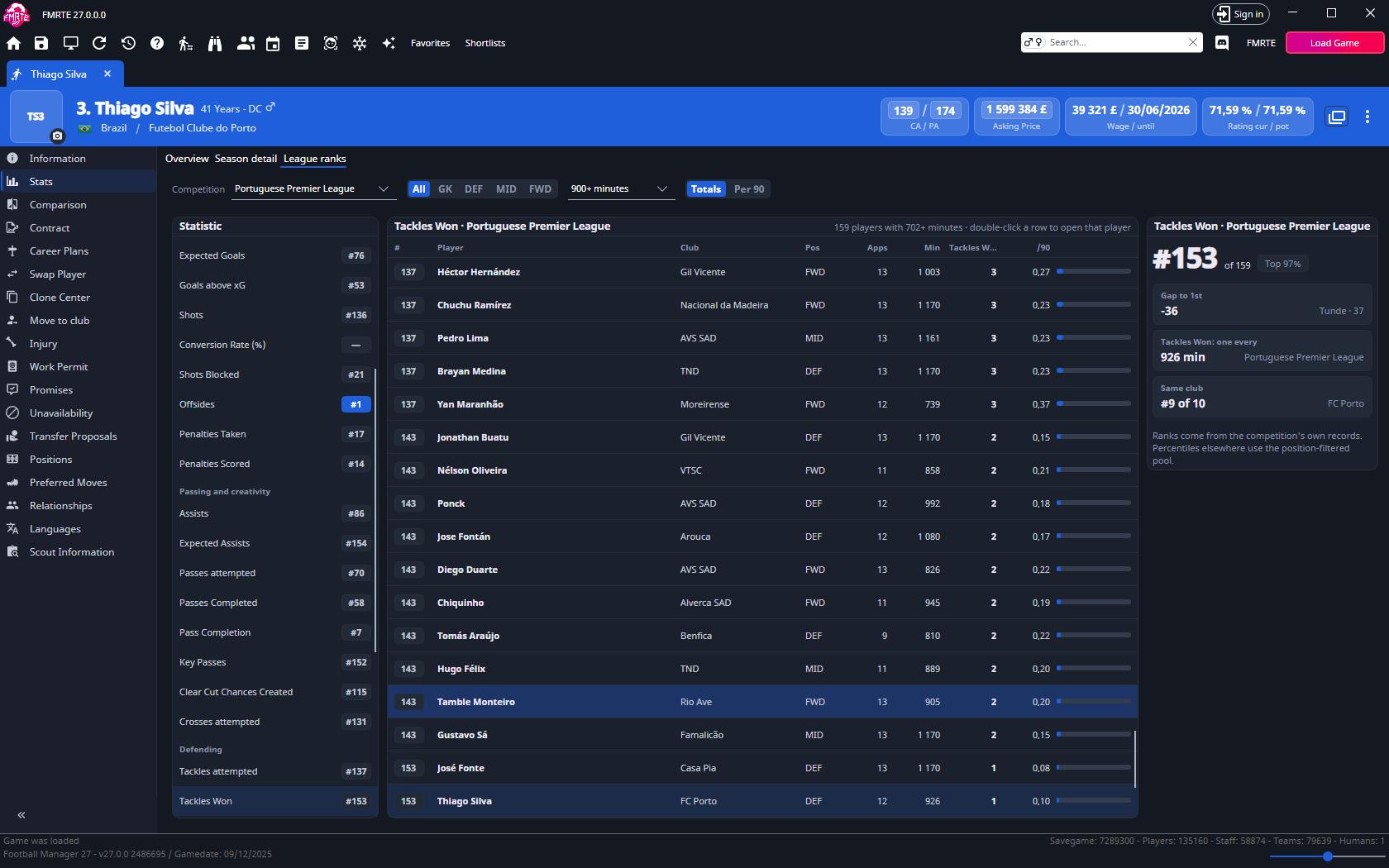
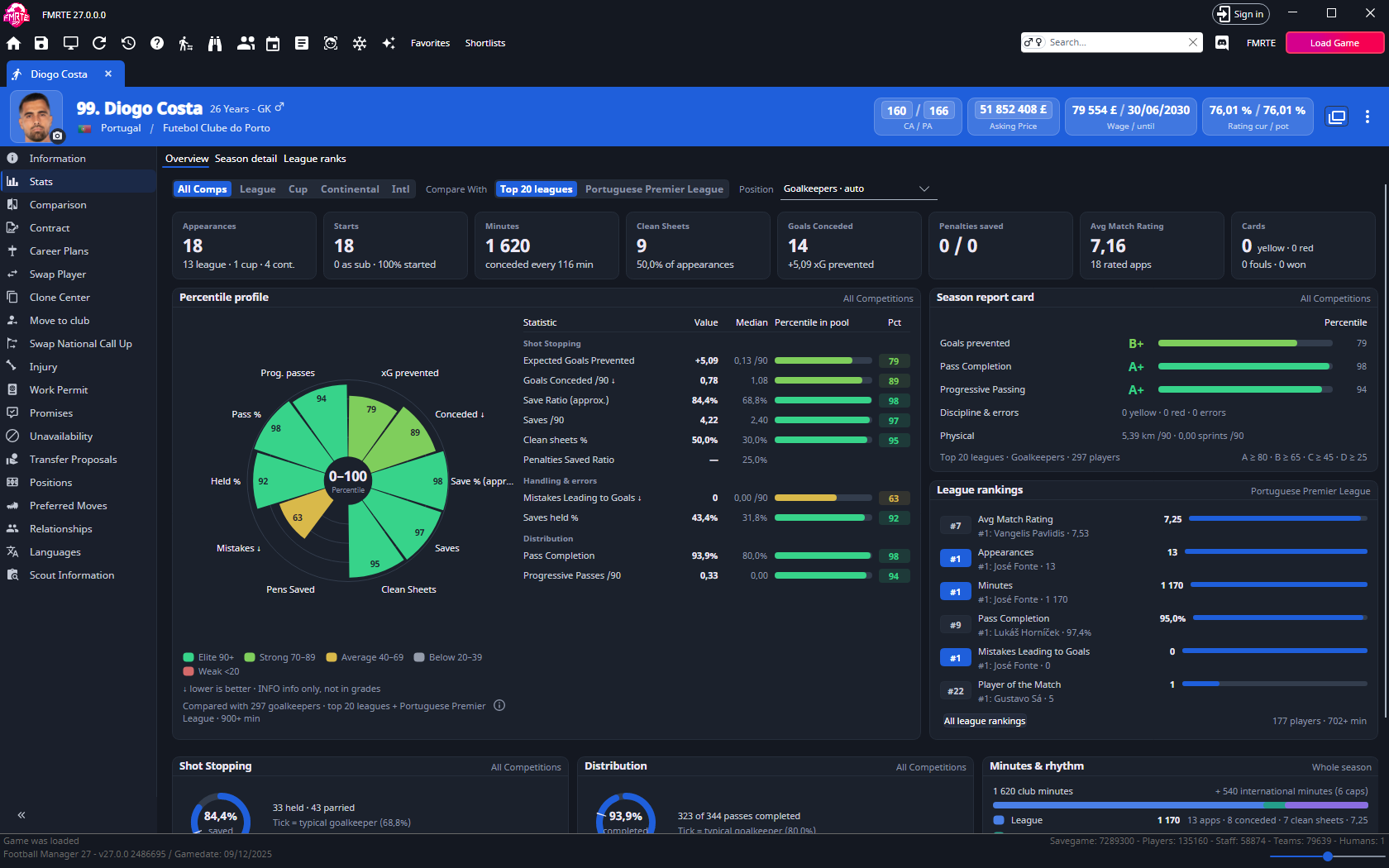
- Read-only player statistics with league comparisons
- Player promises (list, add, edit and remove)
- Player work permits (add, edit and remove)
- Player long-term future job
- Players ethnicity (edit and mass edit)
- Player-coach staff details on the player page
- Clone Center
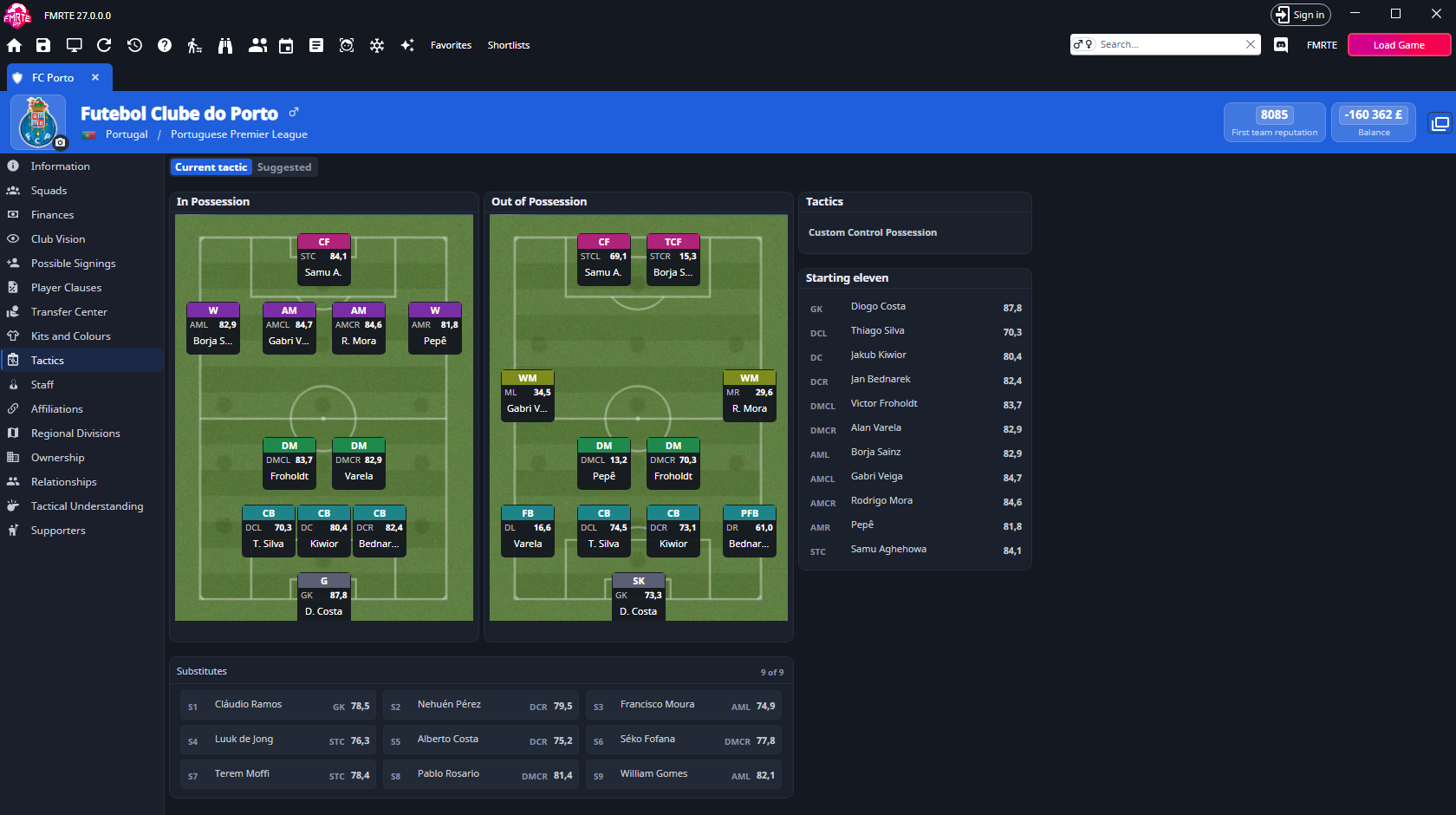
- Clubs Tactics tab from the team’s own tactic
- Edit formation positions on Team Selection
- Nations Tactics tab using Team Selection
- Nation Transfer Rules and Competition Rules tabs (experimental)
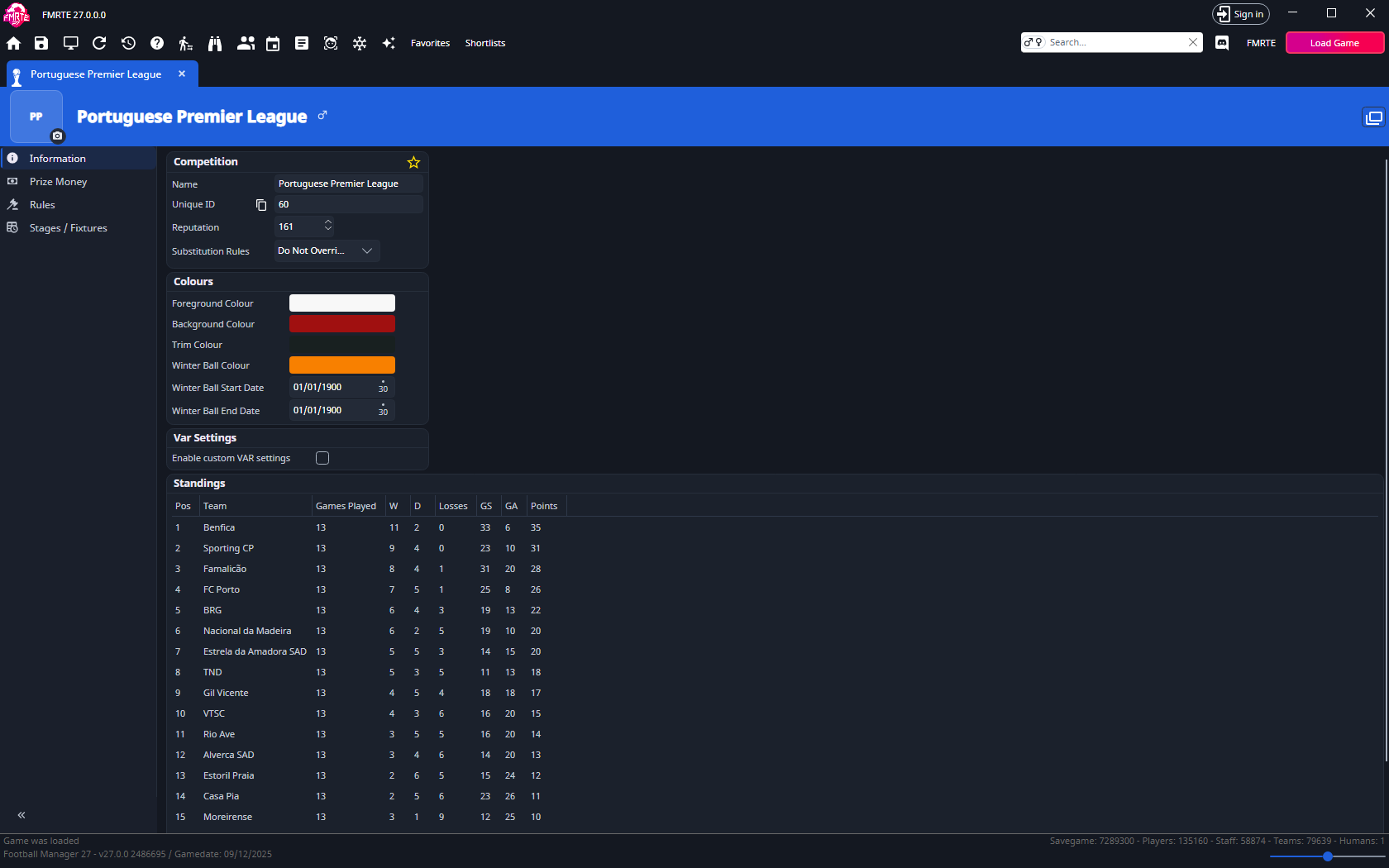
- Edit competitions squad registration limits
- Presets: Match preparation and All-in-one squad screen
- Presets: set or remove a spoken language
- Presets: set or remove release clauses
- Save a Mass Edit tab as a preset
- Advanced Search filters by continent, region and city of birth
- Advanced Search filters clubs by total debt and monthly debt repayments
- Data grid columns: Body Type, Nationality Info, Joined Club, Gender and non-EU in Italy
- Data grid column picker, with column order, width and sort kept across restarts
- Shift+click on a column header adds a secondary sort
- Improved current screen
- Person full name and shirt name
- Settings page with search
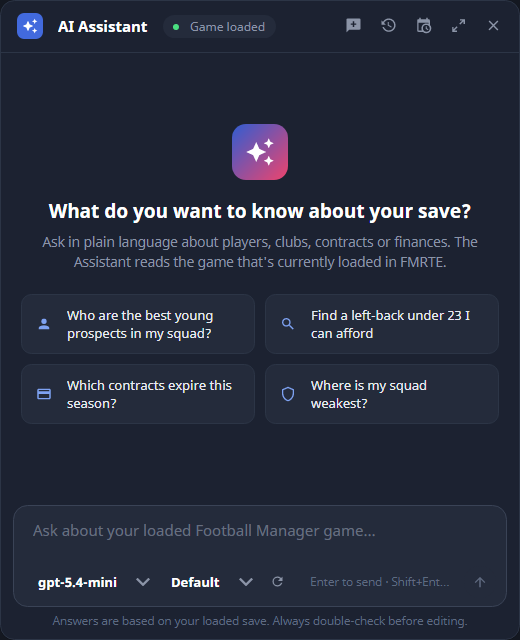
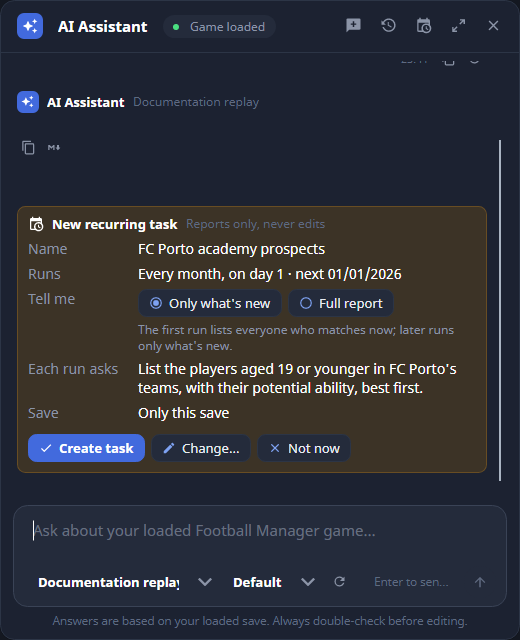
- AI Assistant (experimental)
Fixed
- Some UI issues
- Lost data grid selection and scroll position when changing tabs
- Lost club edits when moving between team and finances
- Swapping staff not moving scouting assignments
- Main window not fitting the screen
- Import players not updating the view
- Game rating colors
How to Enable Experimental features
- Go to FMRTE Settings
- Check the ‘Enable Experimental Features’ checkbox
- Press the Save button
Supported Versions Steam/Epic Store
- Football Manager 2026 - 27.0.0 (2486695)
Supported Versions Microsoft Store
- Football Manager 2026 - 27.0.0 (2486695)
Supported Versions Console Edition
What's New in Version 27.0.0-build2
Released
Fixed
- Saves with more than 1 million persons failing to load
- Empty contract columns (expiry date, signed date, transfer status…) in squad, staff and search lists
-
 1
1